Screenshots
Click a screenshot to see it full size.
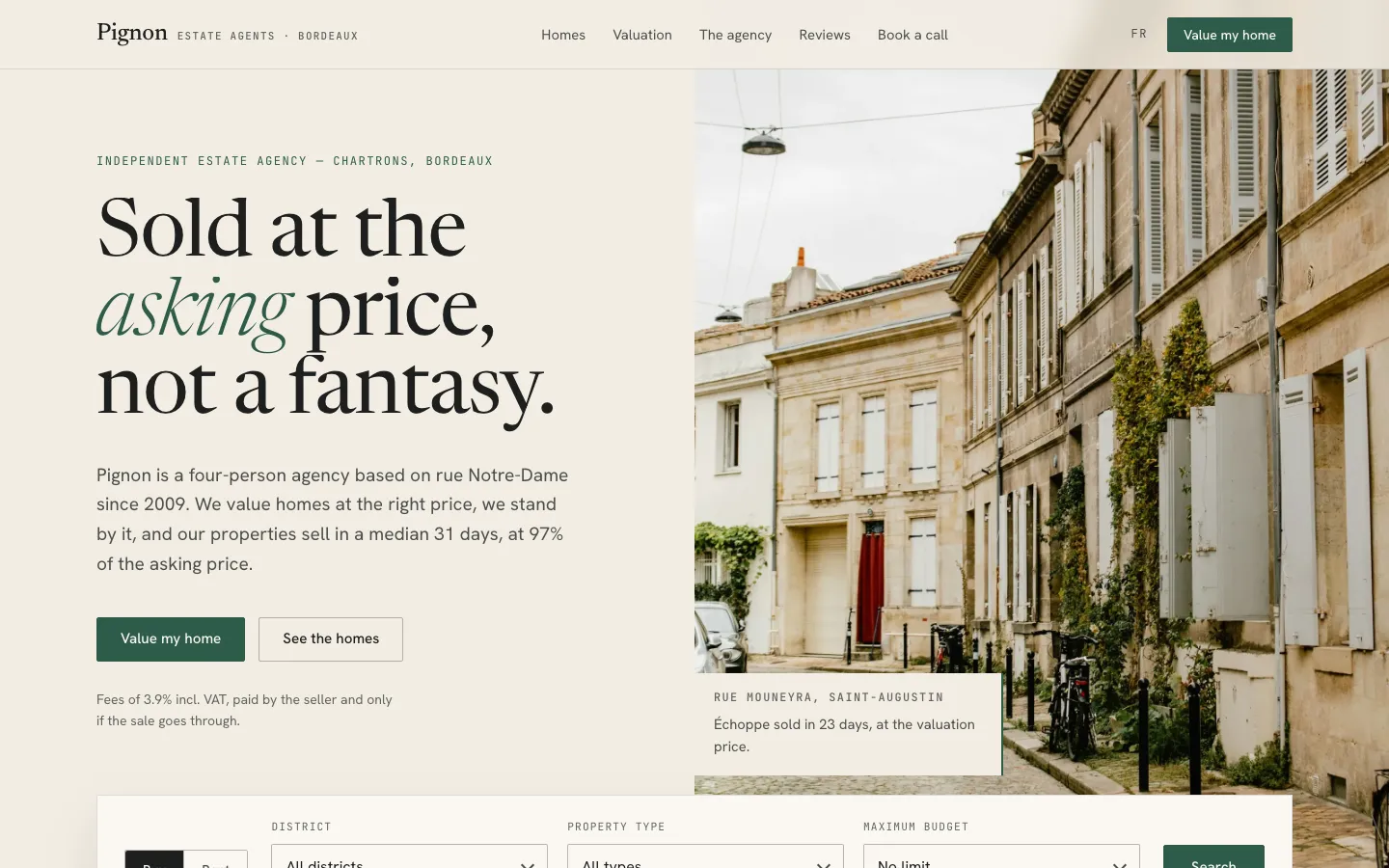
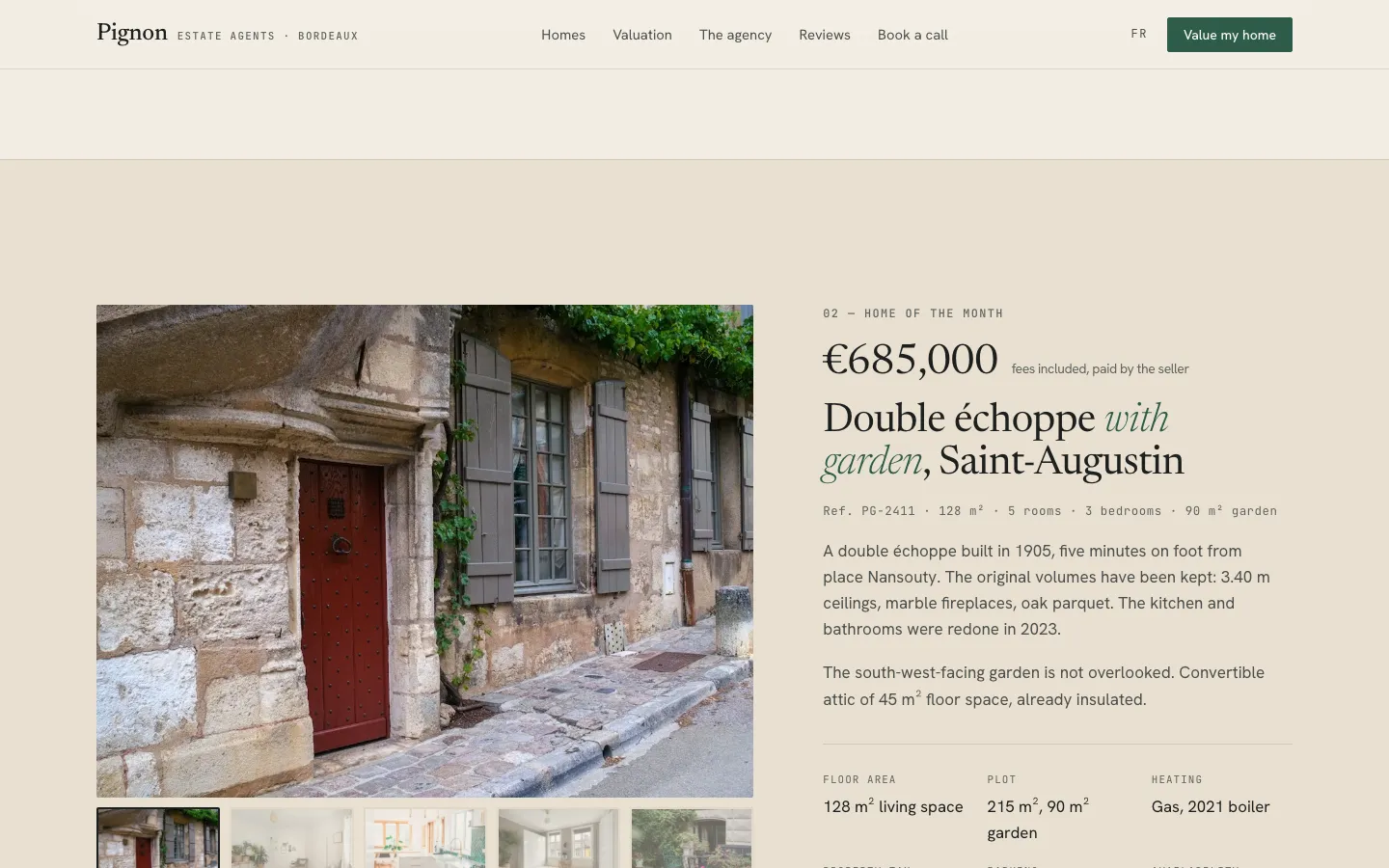
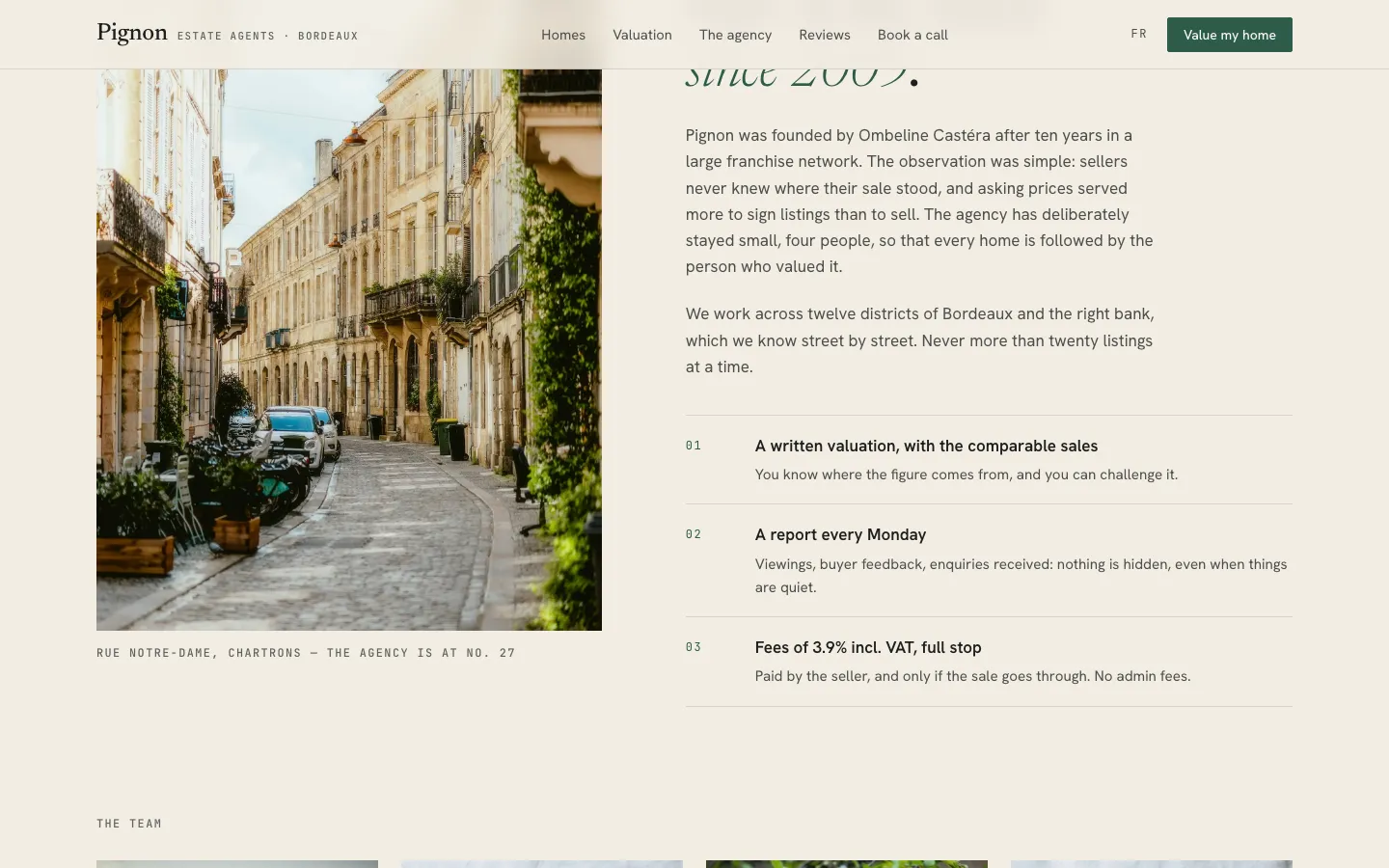
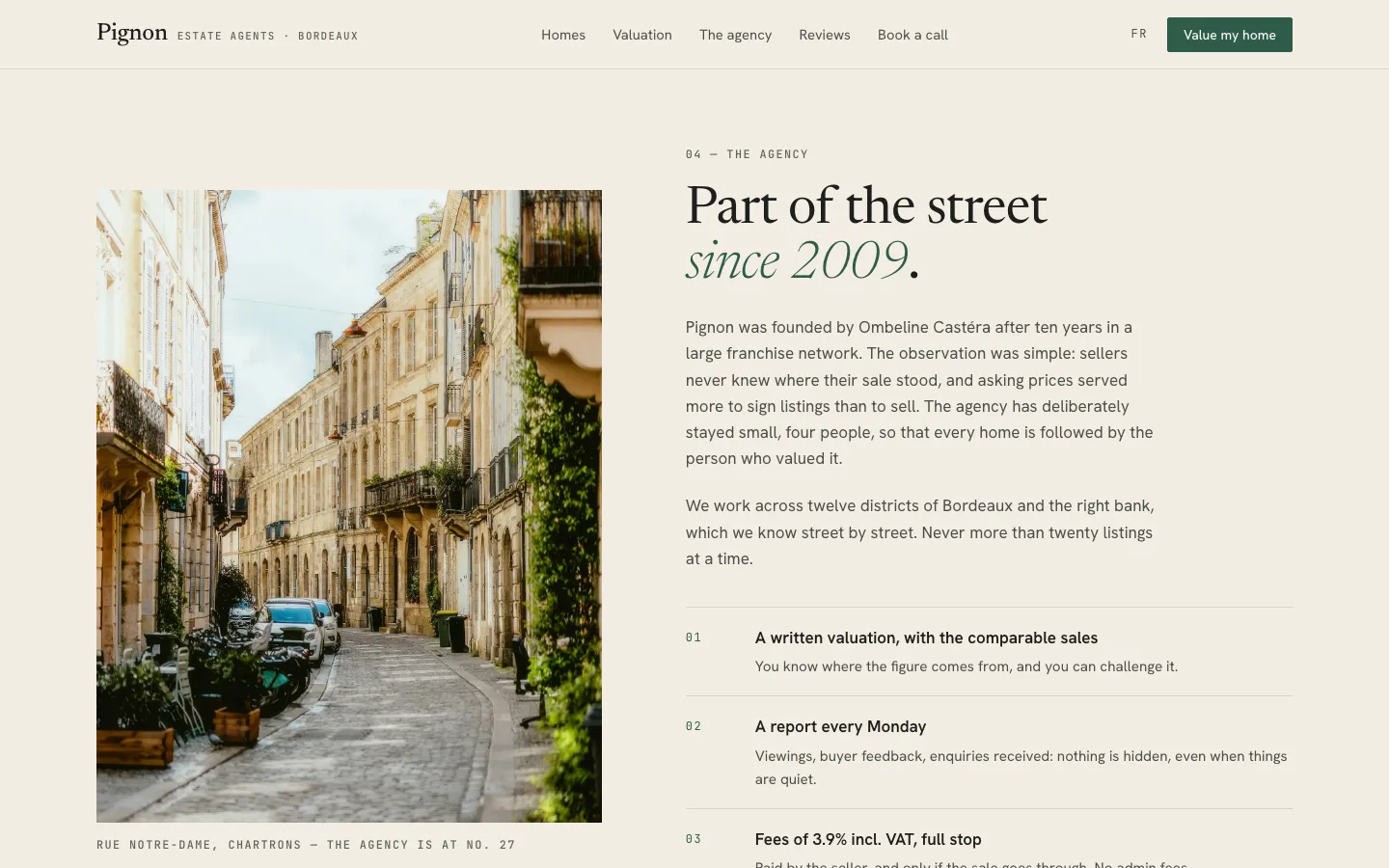
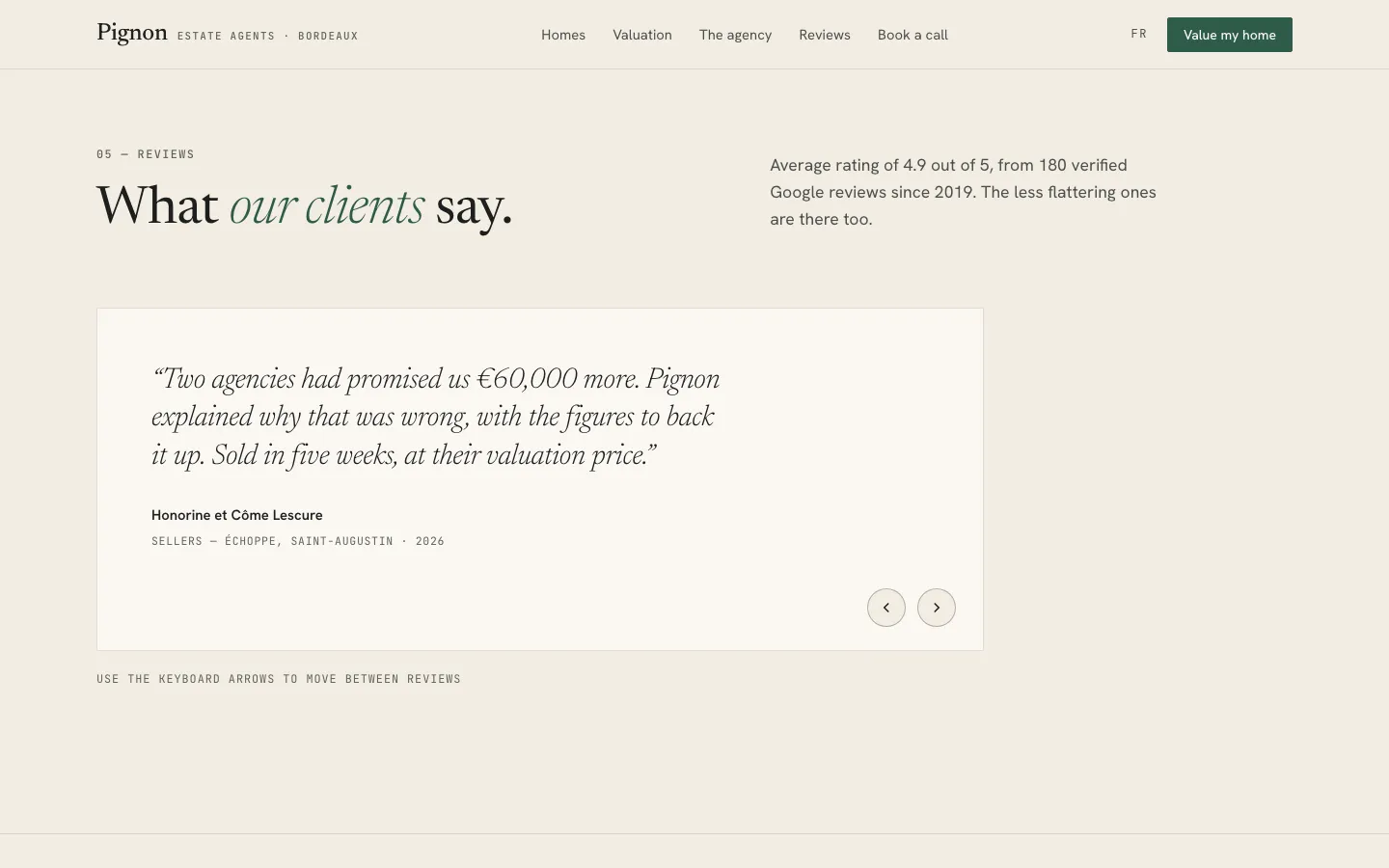
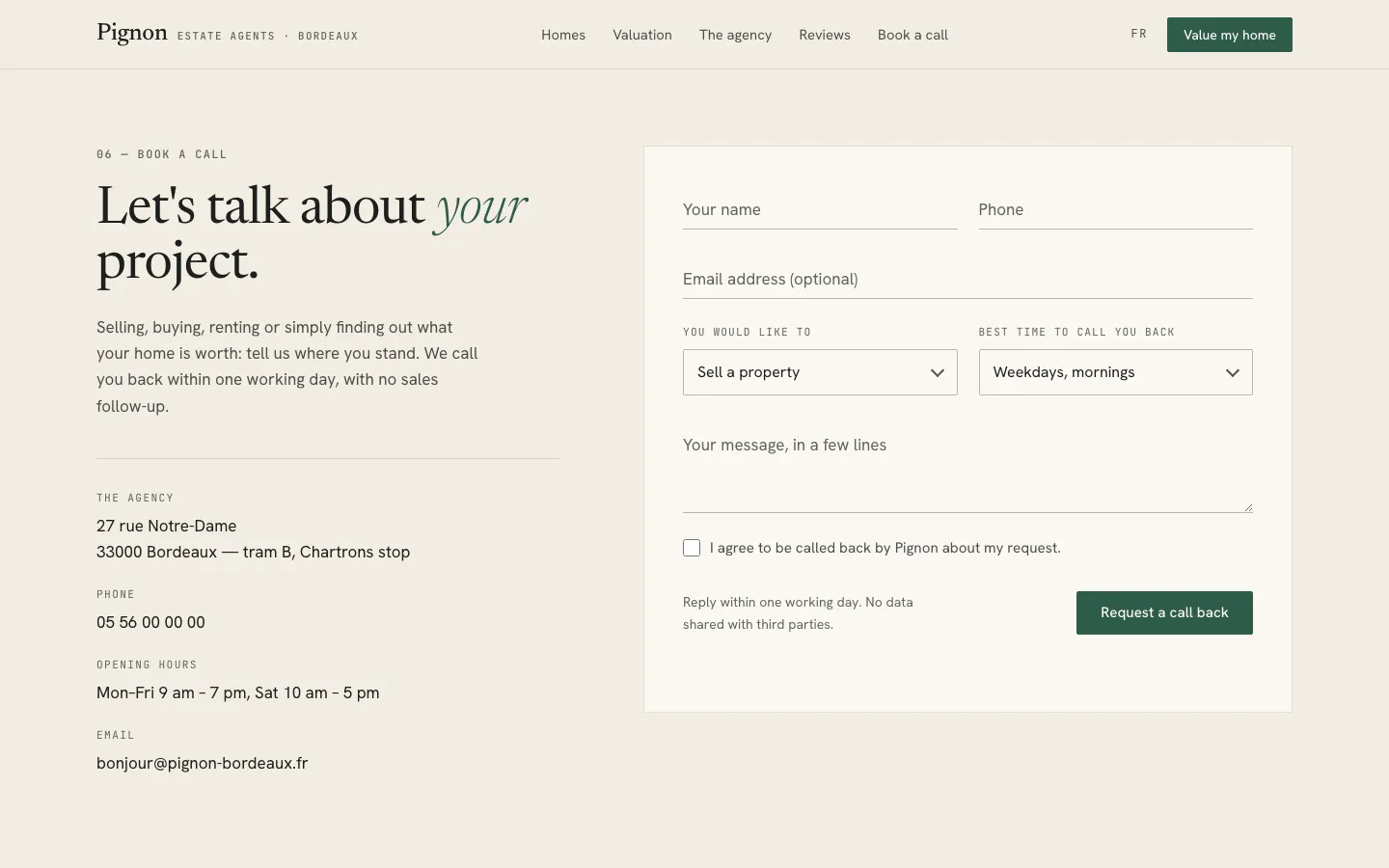
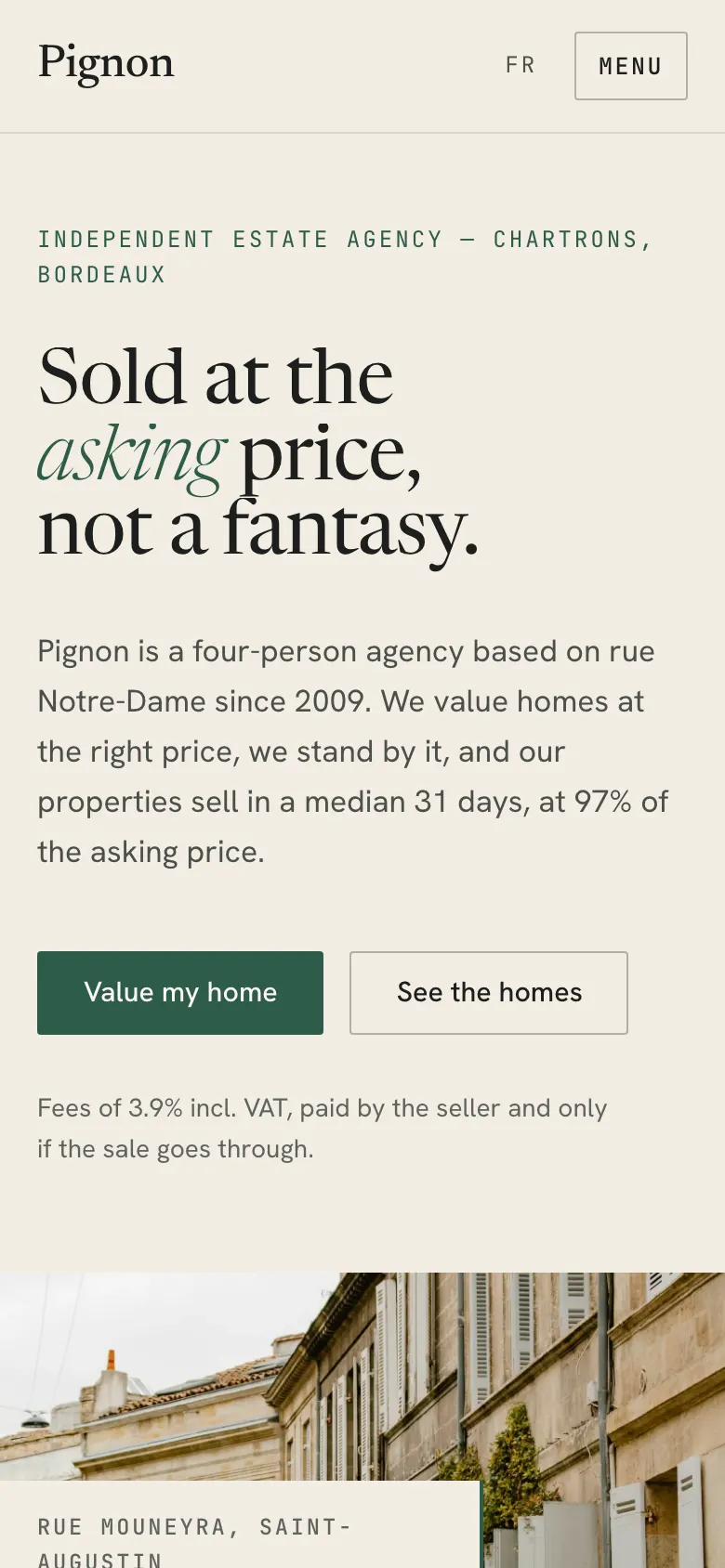
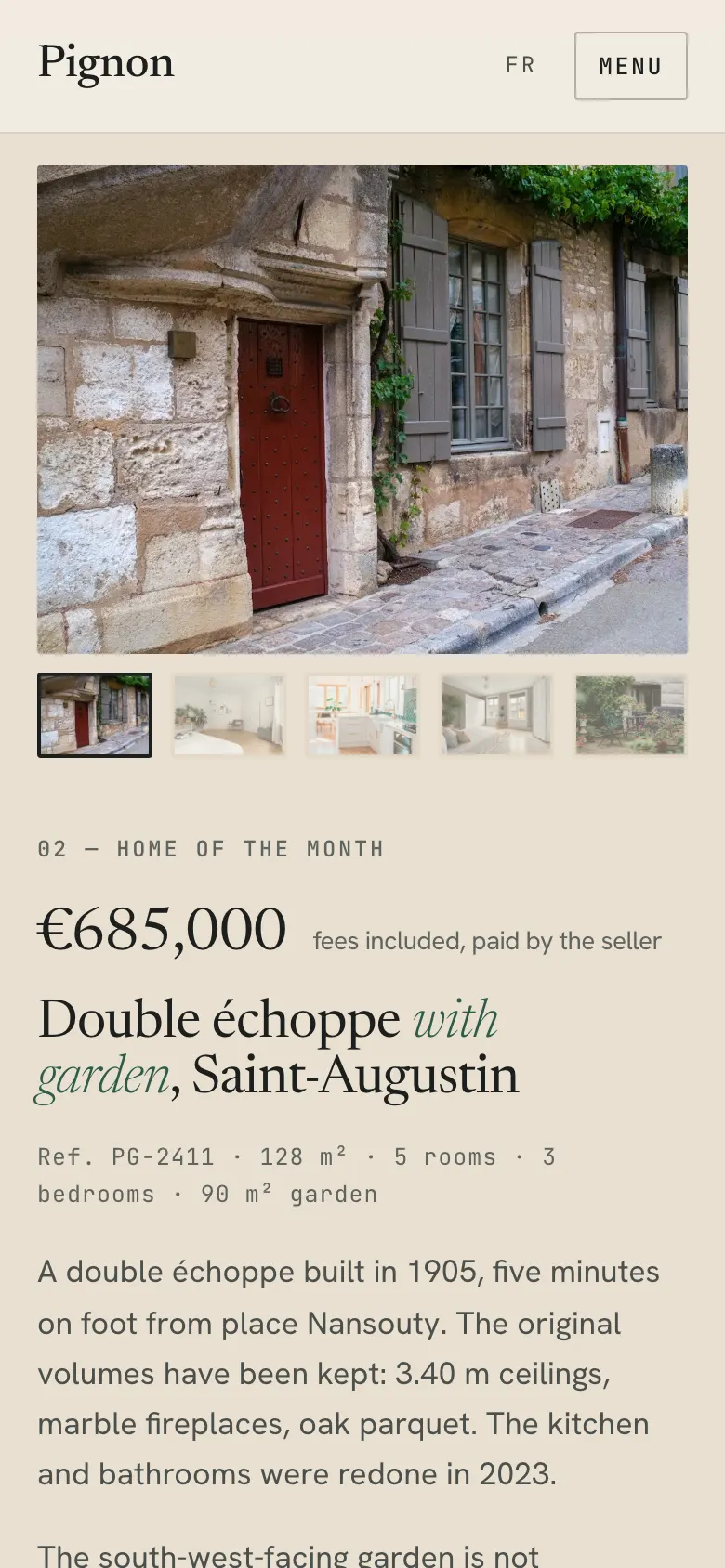
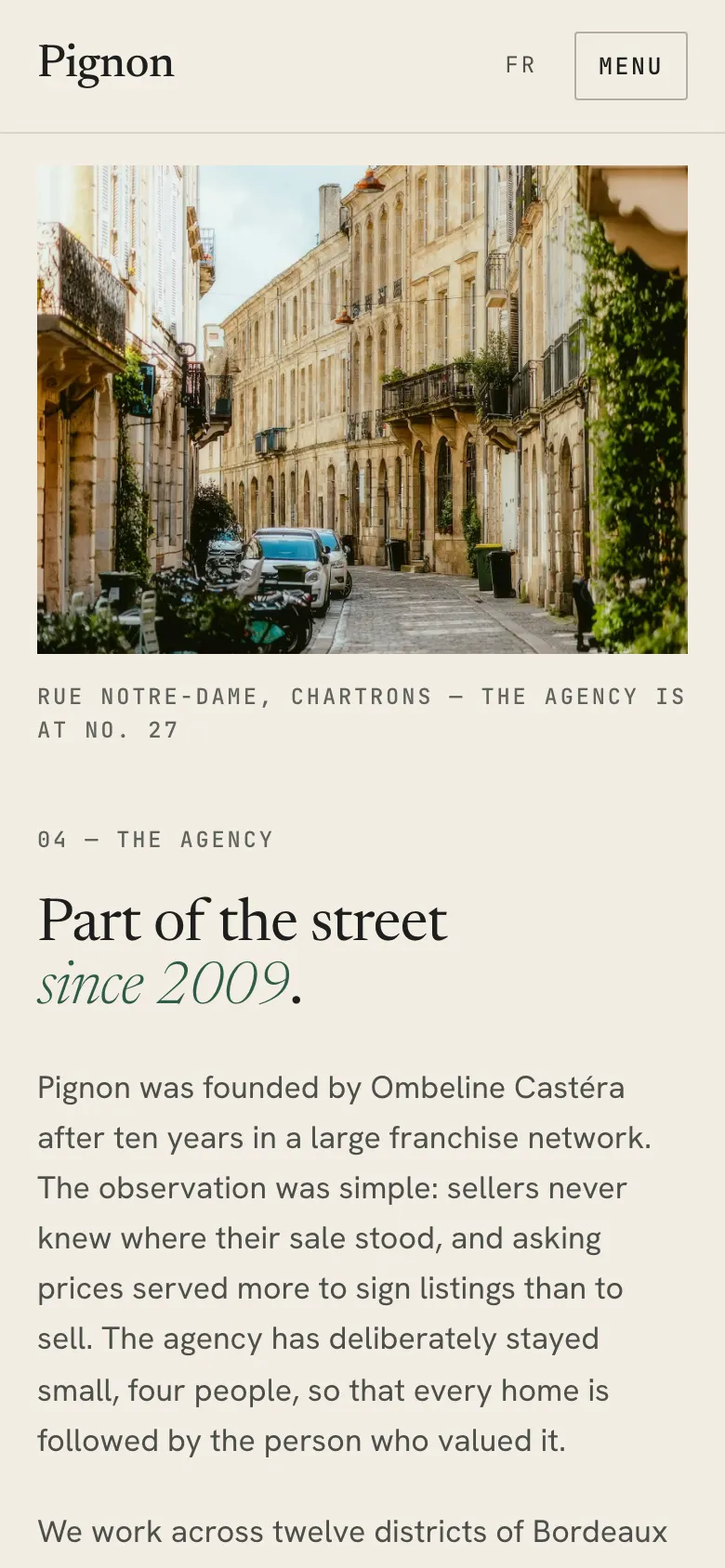
Photos: Unsplash (Unsplash License). Names, addresses and figures are fictional.
Complete website template · Real estate agency
The website of a real estate agency in the Chartrons district of Bordeaux: a search that really filters the listings, grid/list toggle, property of the month gallery, price per m² by district, three-step valuation.
Click a screenshot to see it full size.
Photos: Unsplash (Unsplash License). Names, addresses and figures are fictional.
It was designed for businesses such as: real estate agency, property agent, developer, rental manager, concierge service.
10 effects from the Effect.Labs catalogue, 3 free and 7 Premium: Slide Reveal, Select Animated, Animated Counter, Grid to List Toggle, Bookmark Toggle, Thumbnail Slider, Step Progress Indicator, Comparison Bars, Underline Focus, Basic Slider. Each one has its own page with a demo and its code.
The whole site is shown in the video and screenshots; it is not sold. What you take away are its effects: the “The 10 effects of this template” button adds the Premium ones to your cart, picking the cheapest pack for you, and saves the free ones to your favorites. One-time payment, no subscription; a free account includes 1 Premium effect on us.
Each effect is plain HTML, CSS and JavaScript with no framework or dependency: paste it into any site that accepts custom code (plain HTML, WordPress, Webflow, React, Vue…). You keep your own text, colours and photos.
Yes: it is checked on desktop and mobile, in English and French, and its animations are toned down for visitors who asked for reduced motion.
 IsolineDesign agency · 10 effects
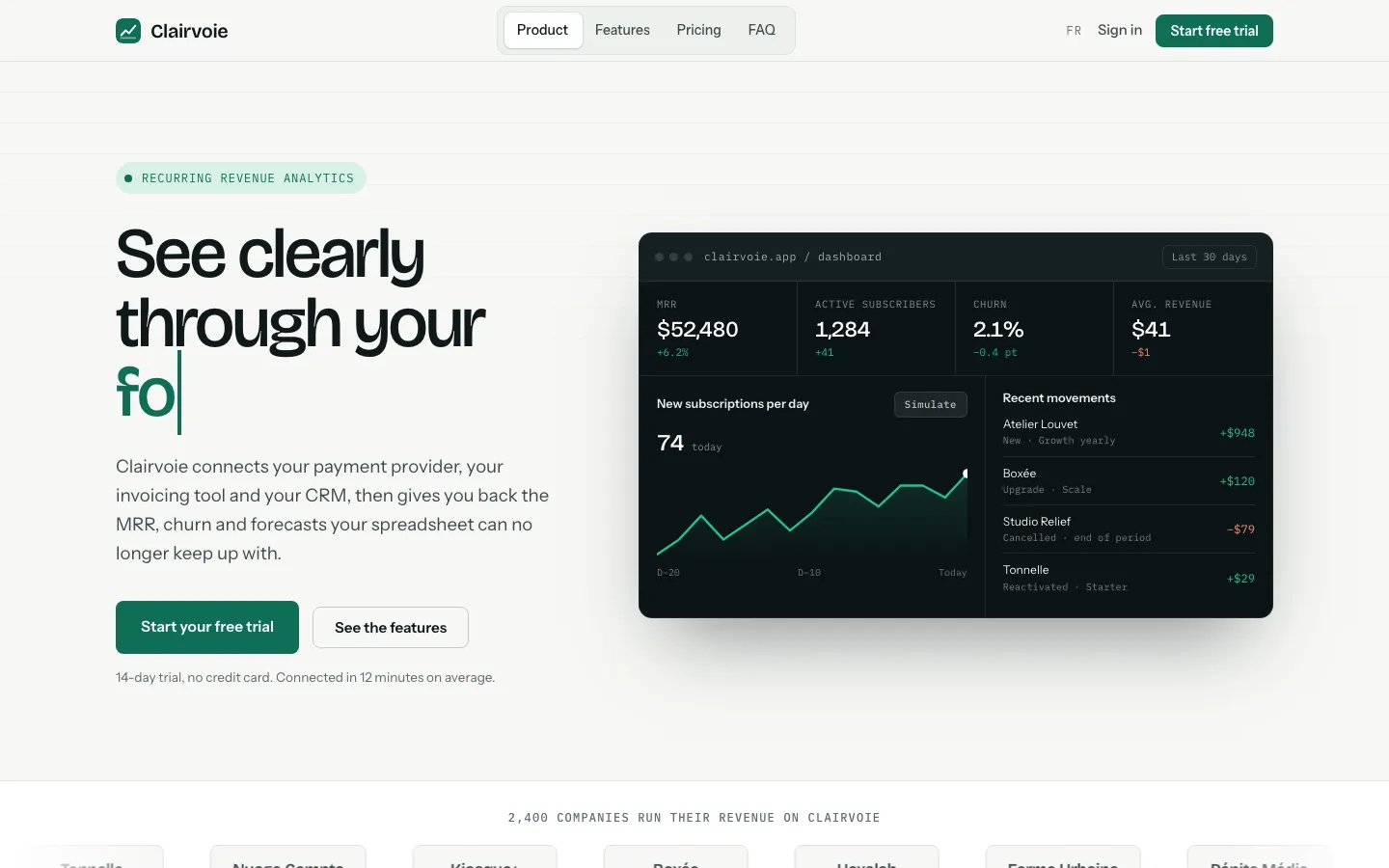 ClairvoieSaaS landing page · 10 effects
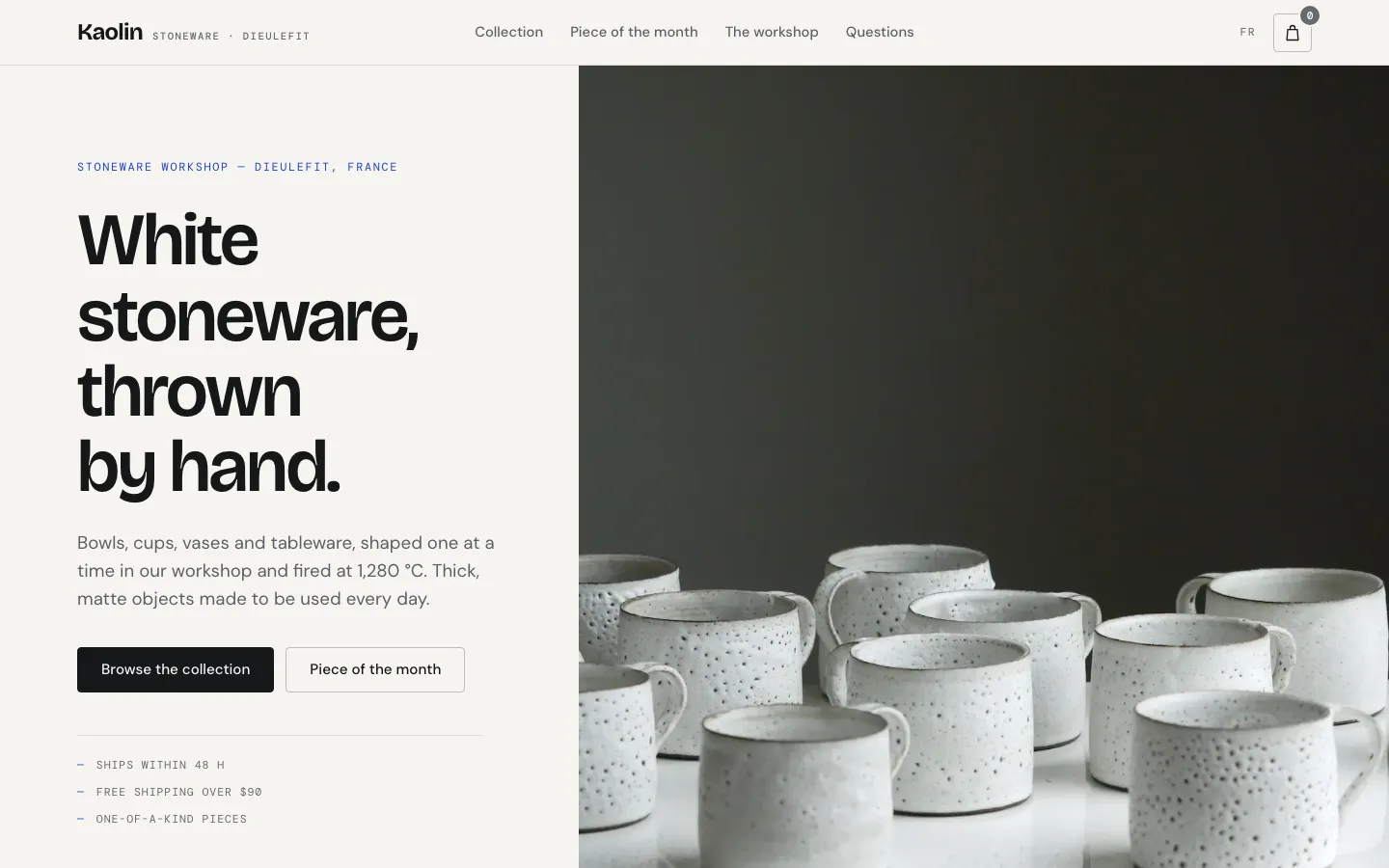 KaolinE-commerce · 10 effects
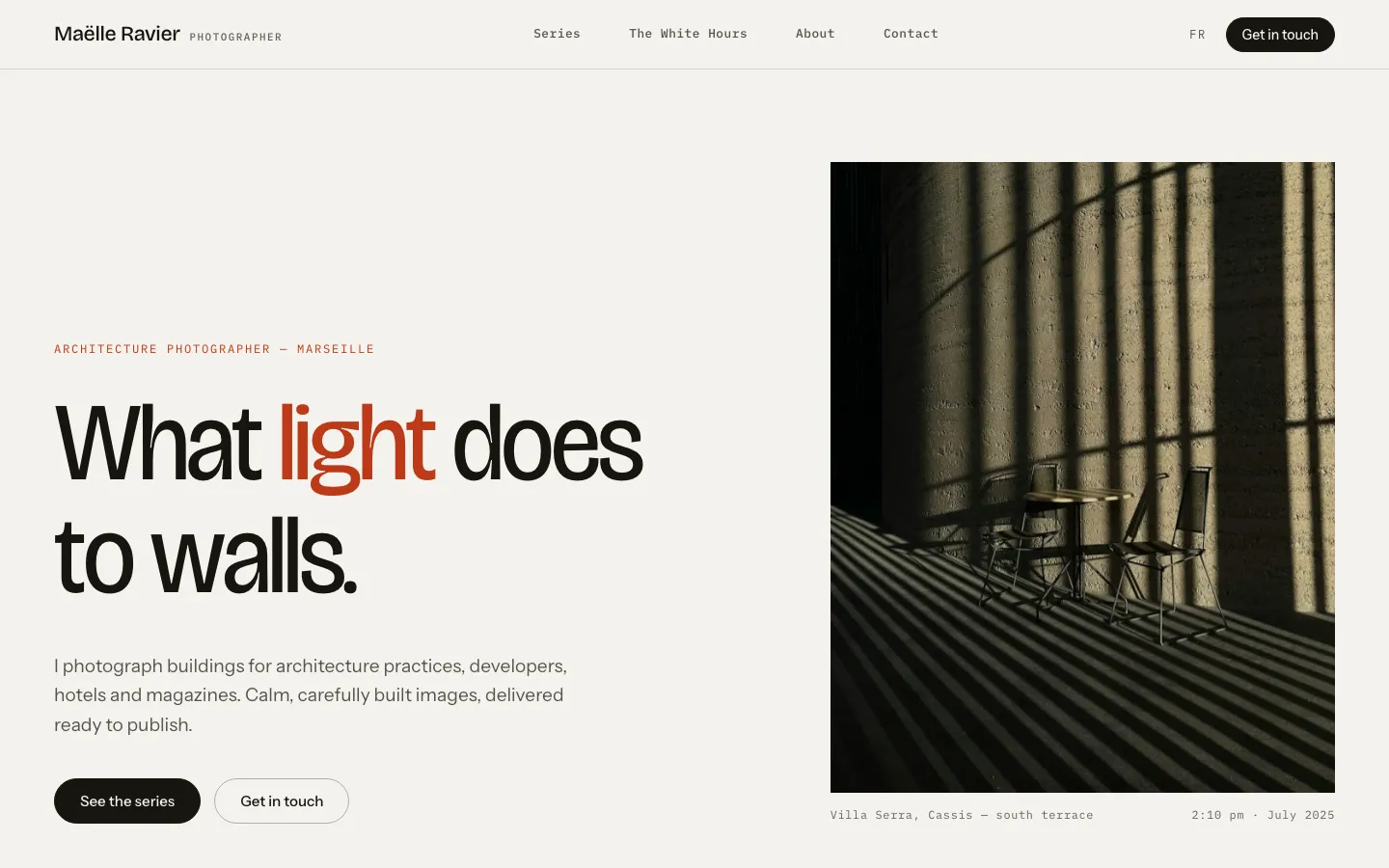 Maëlle RavierPhotographer portfolio · 10 effects
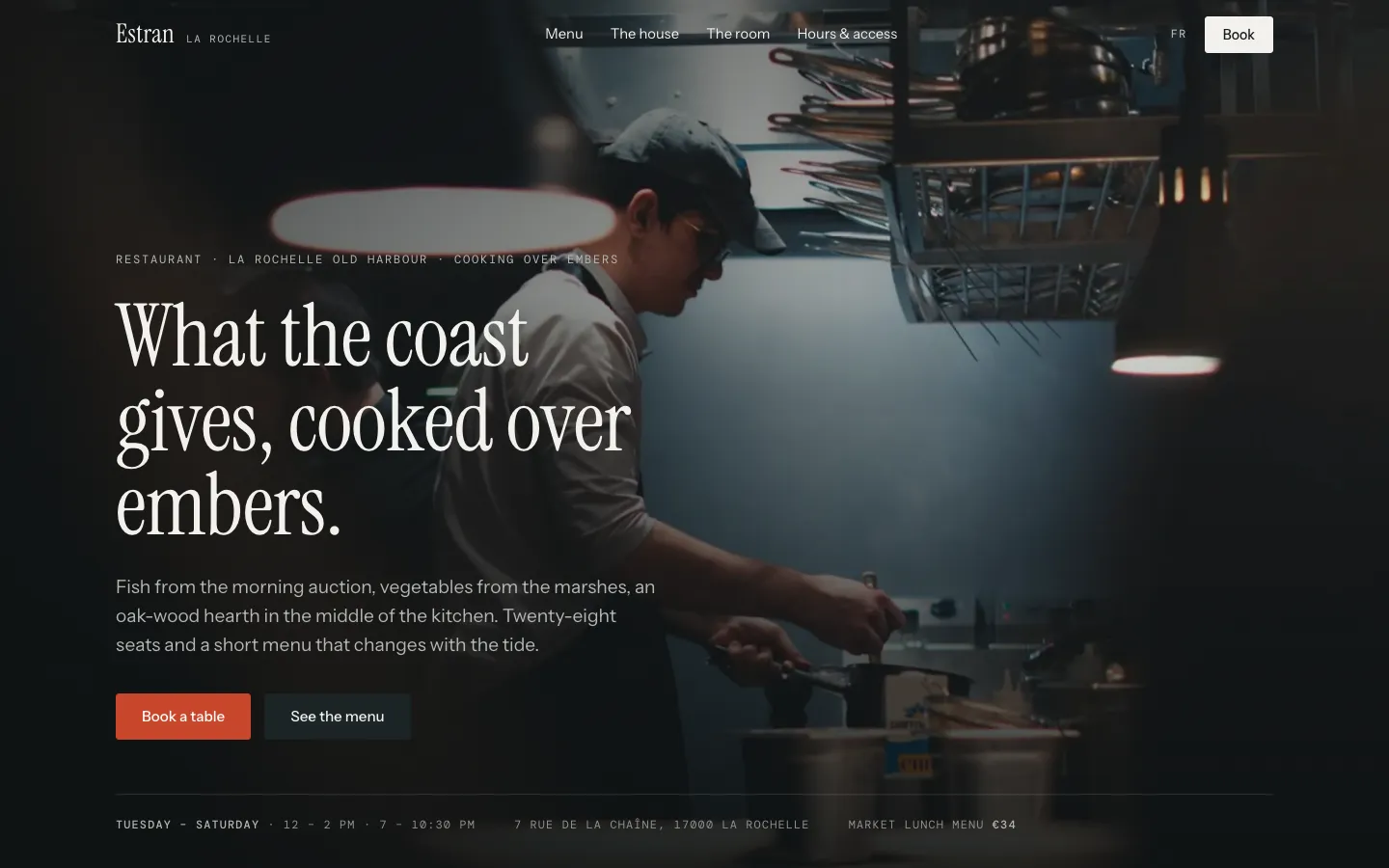 EstranRestaurant · 10 effects
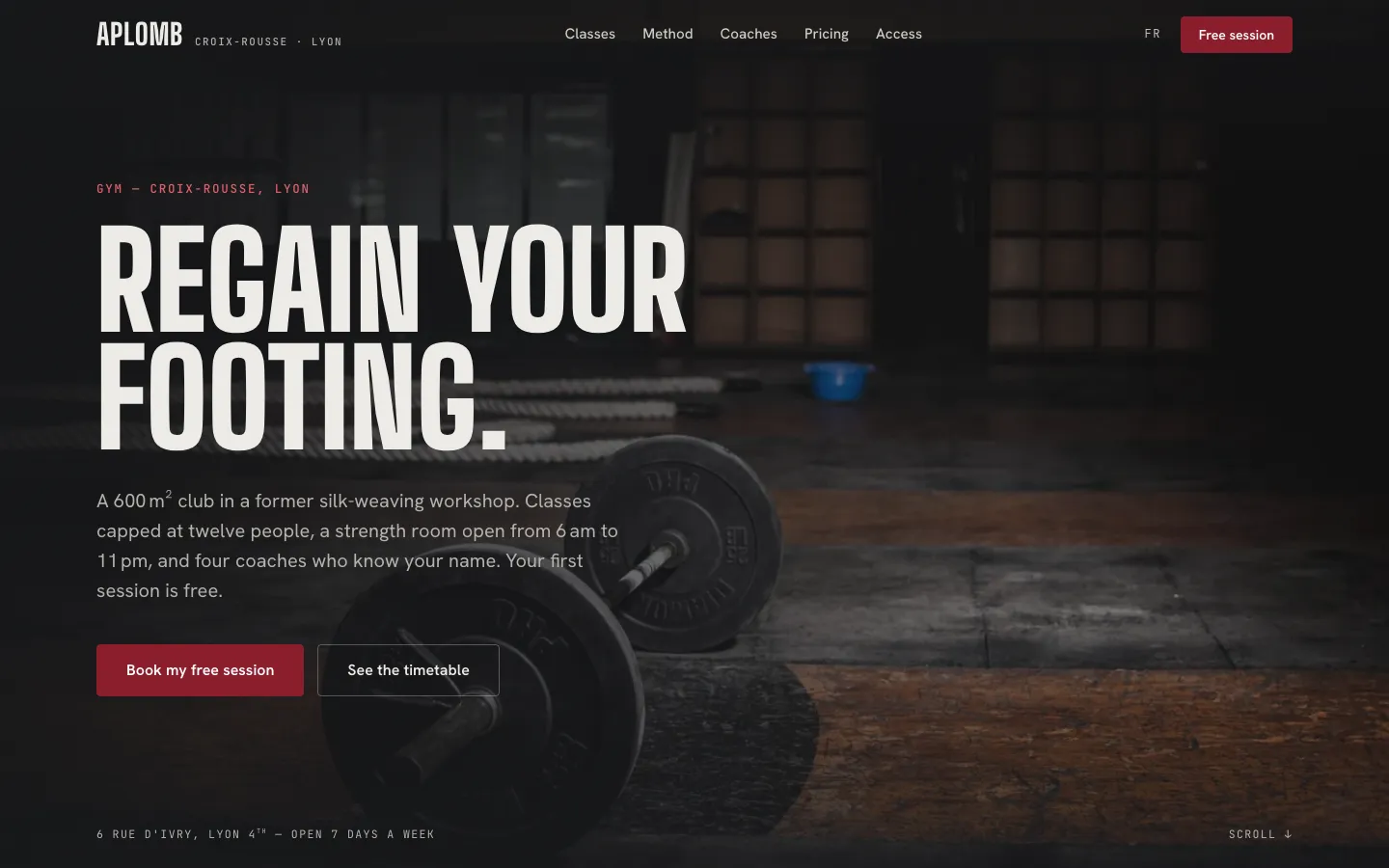 AplombGym · 10 effects
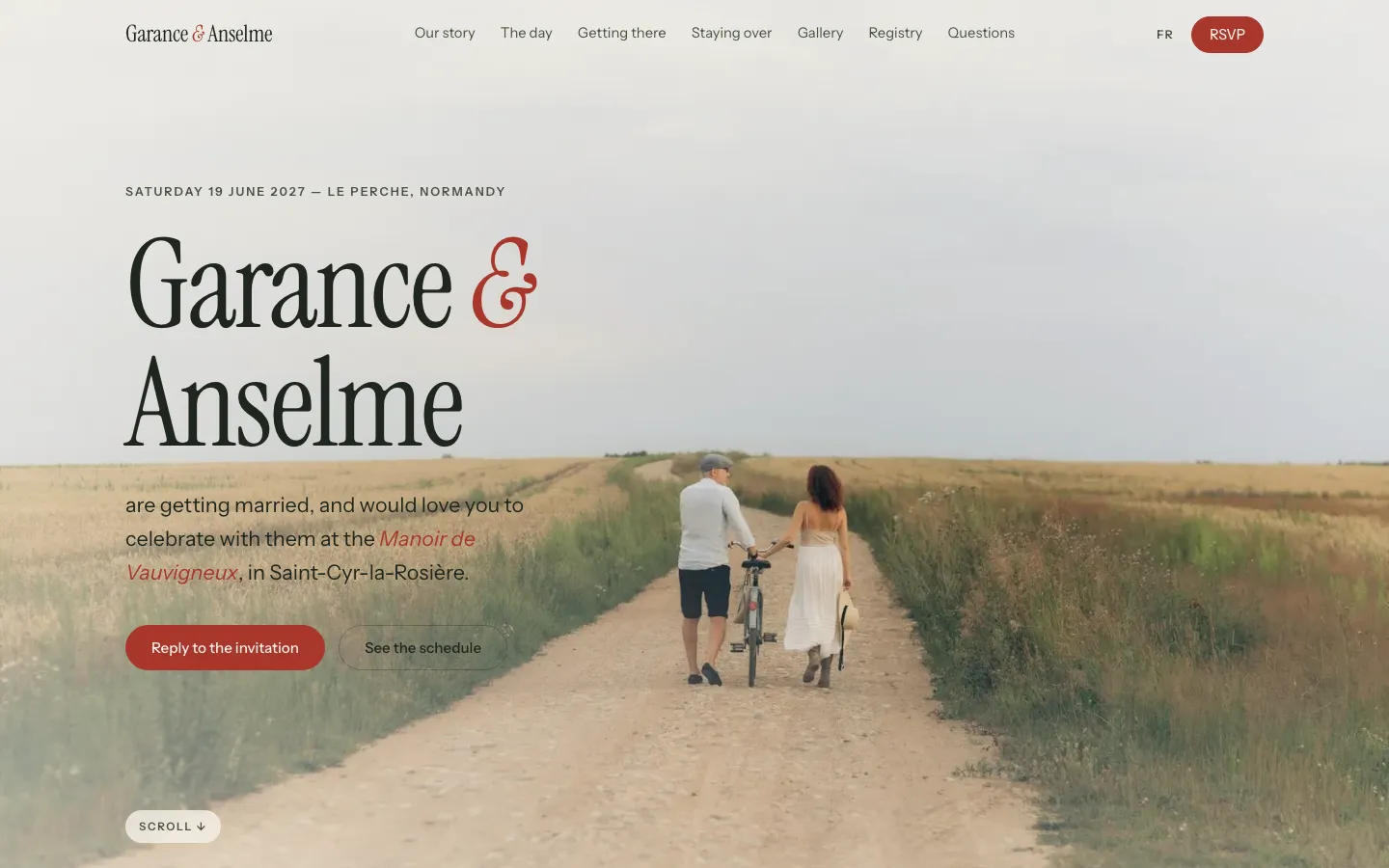 Garance & AnselmeWedding · 10 effects
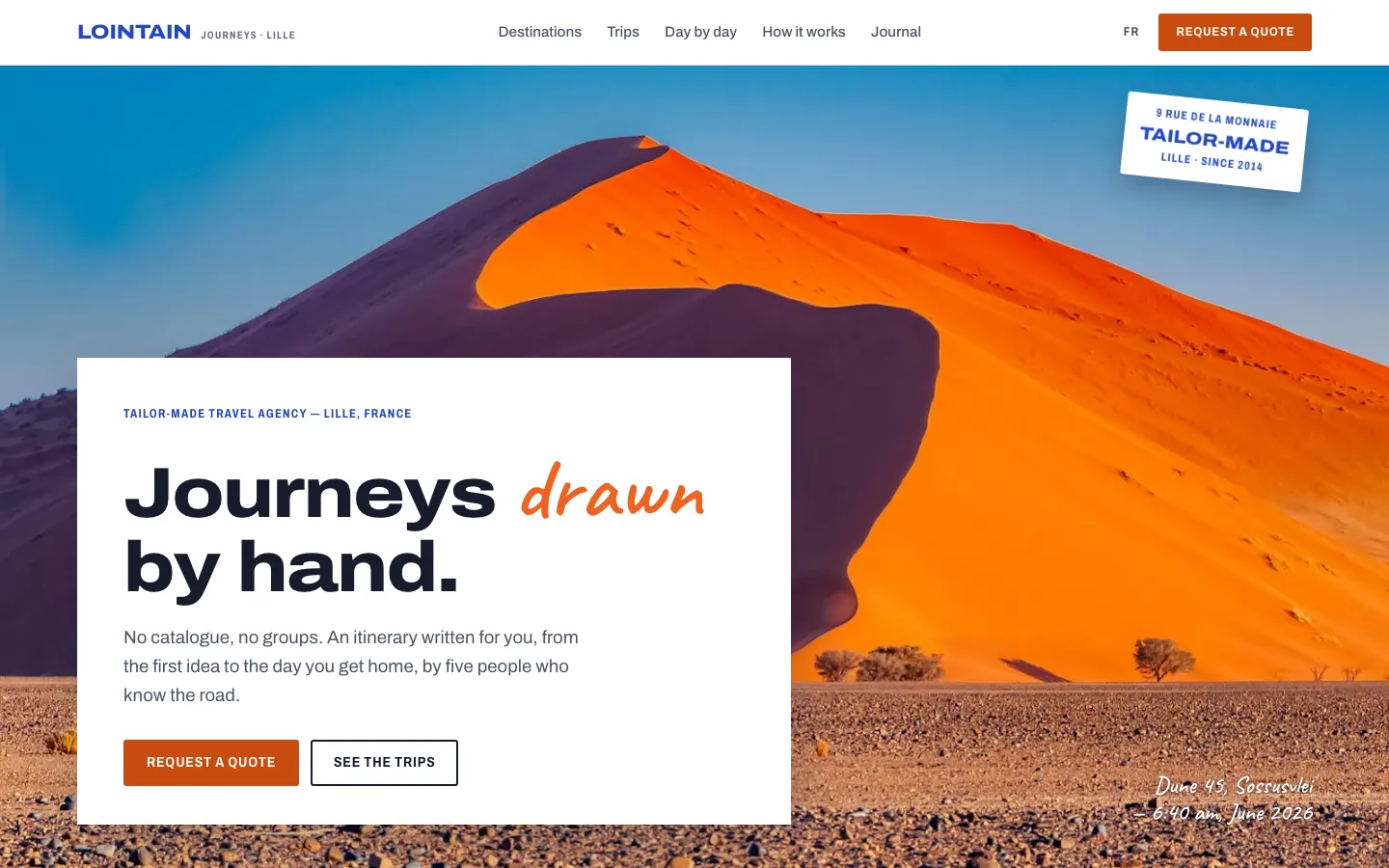 LointainTravel agency · 10 effects
 OndineHealth centre · 10 effects
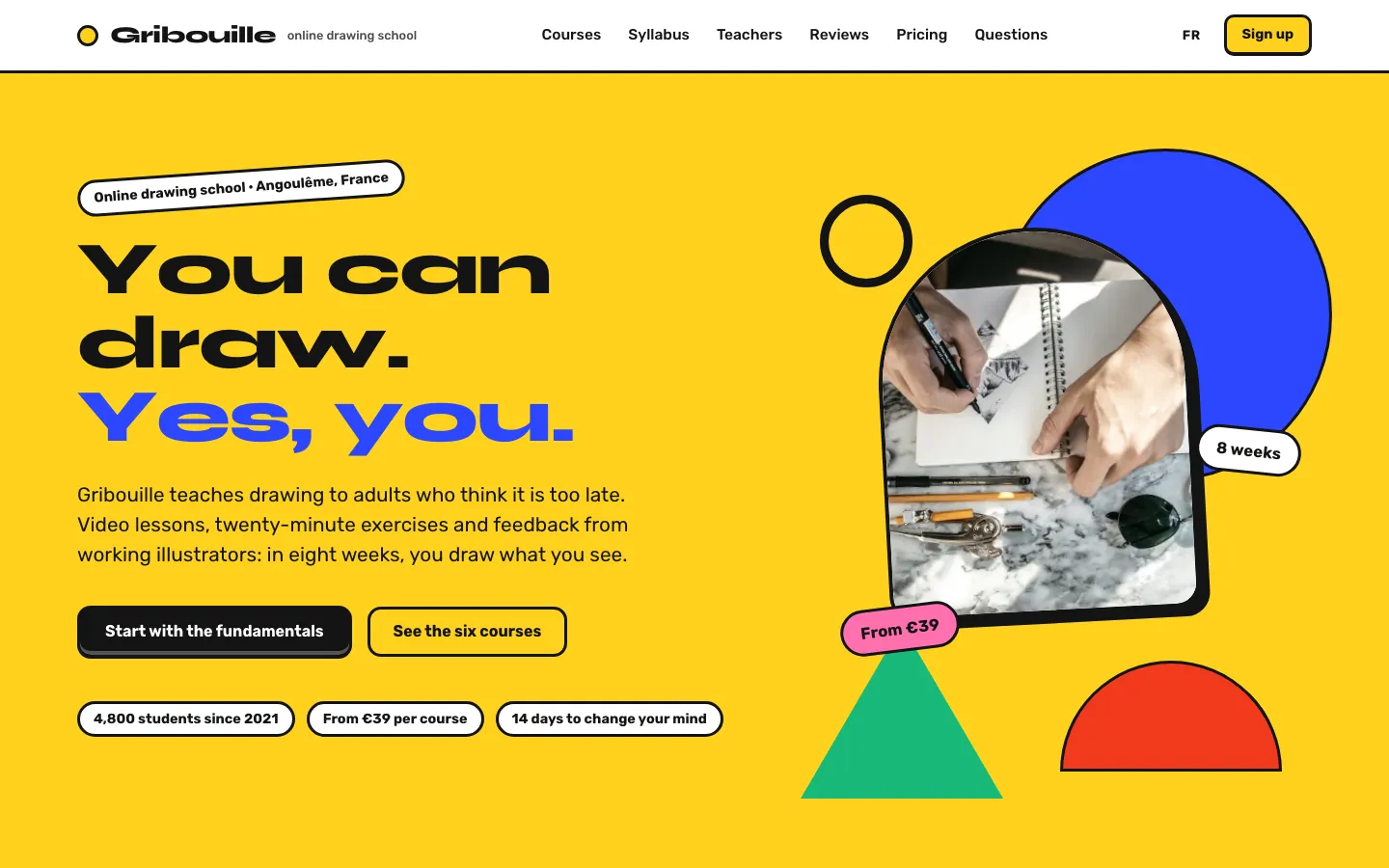 GribouilleOnline courses · 10 effects
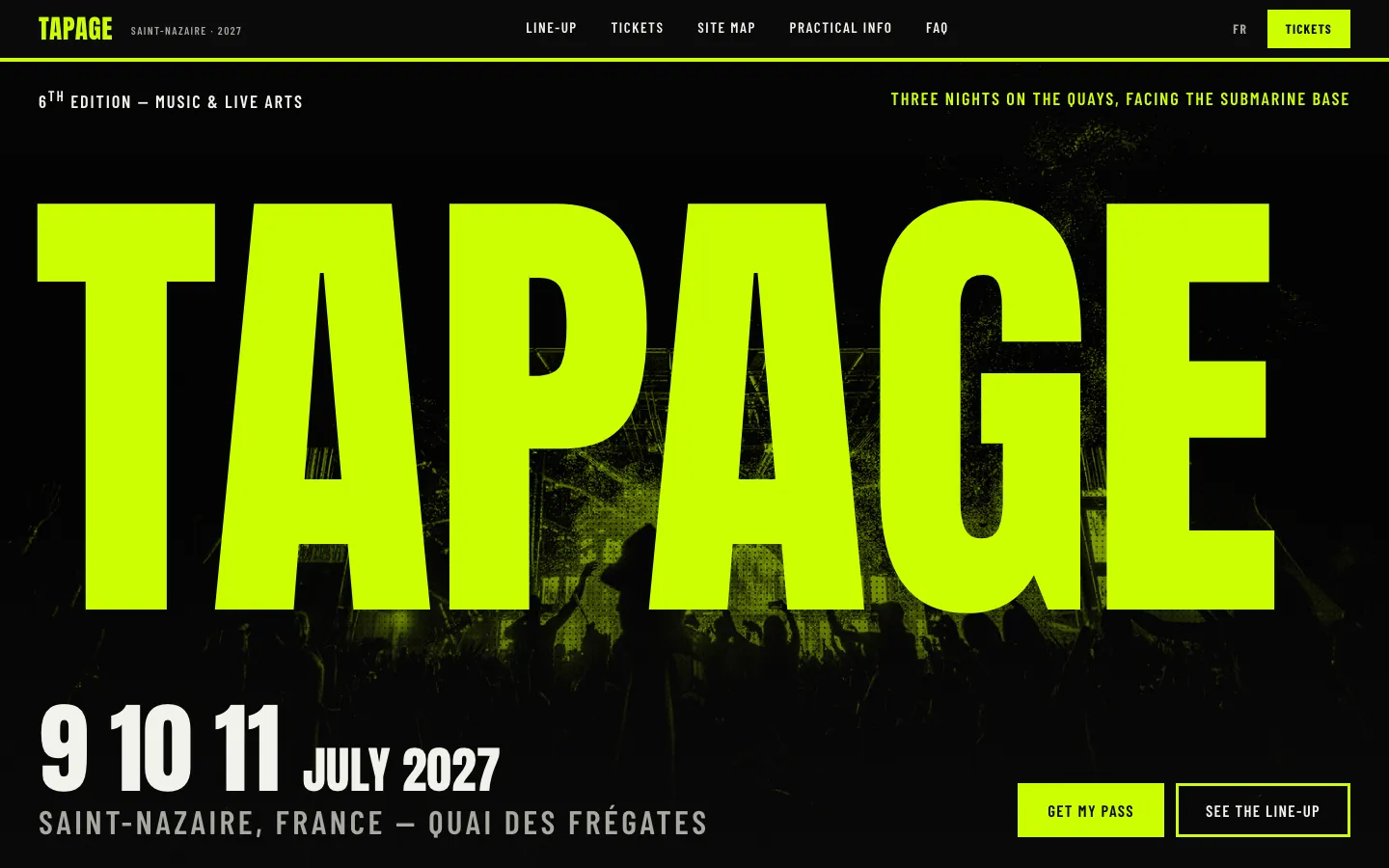 TapageFestival · 10 effects
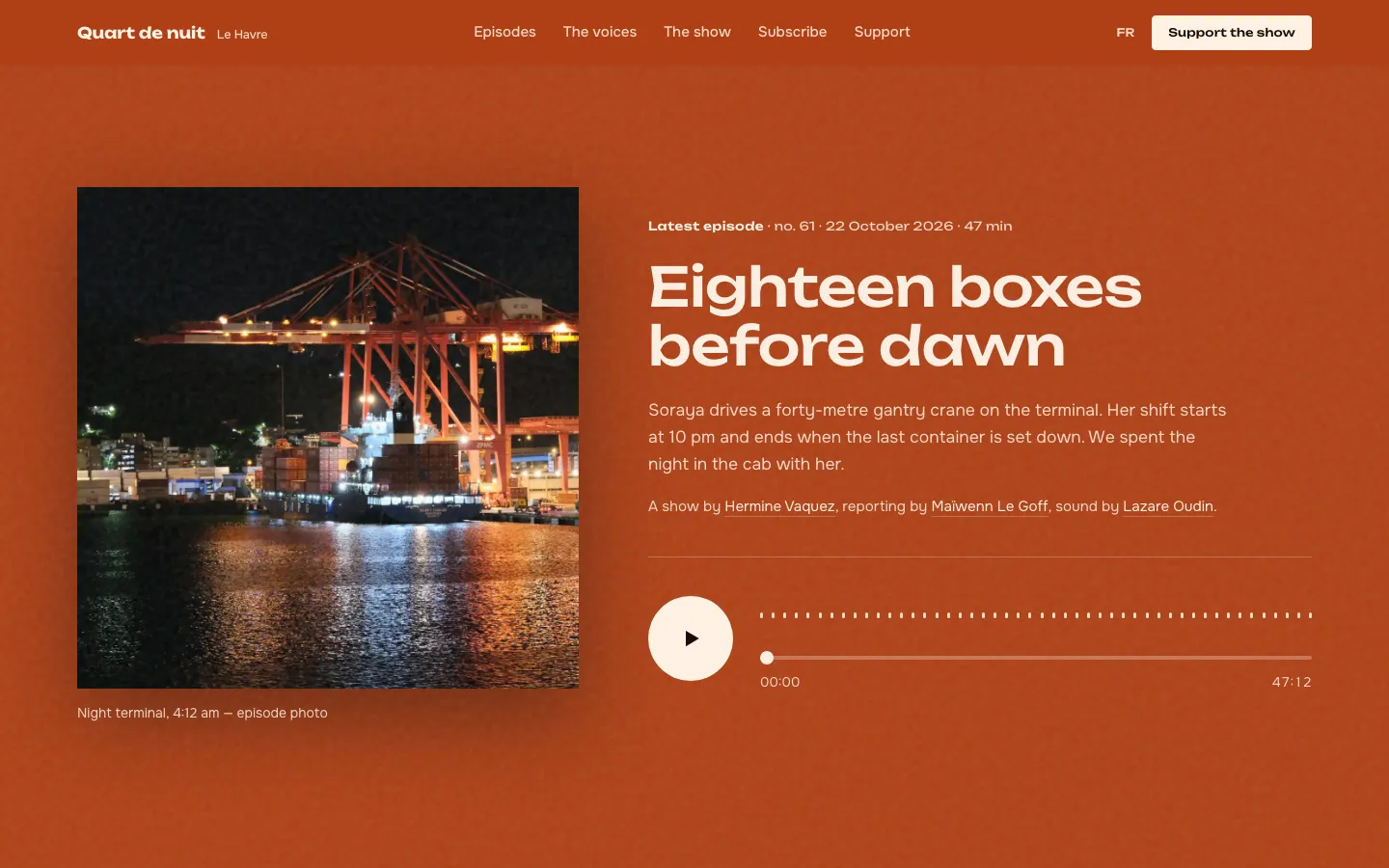 Quart de nuitPodcast · 10 effects
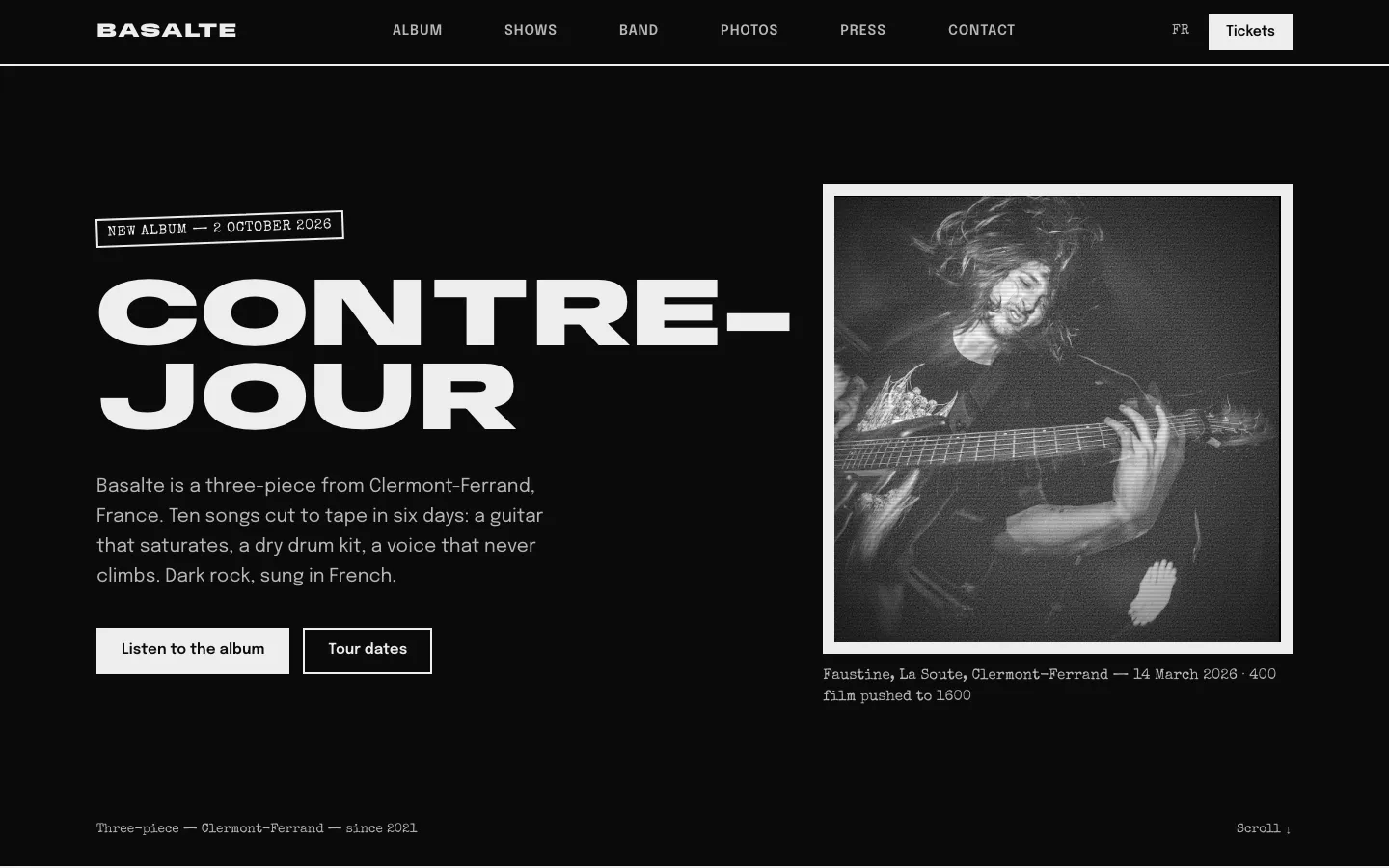 BasalteBand · 10 effects
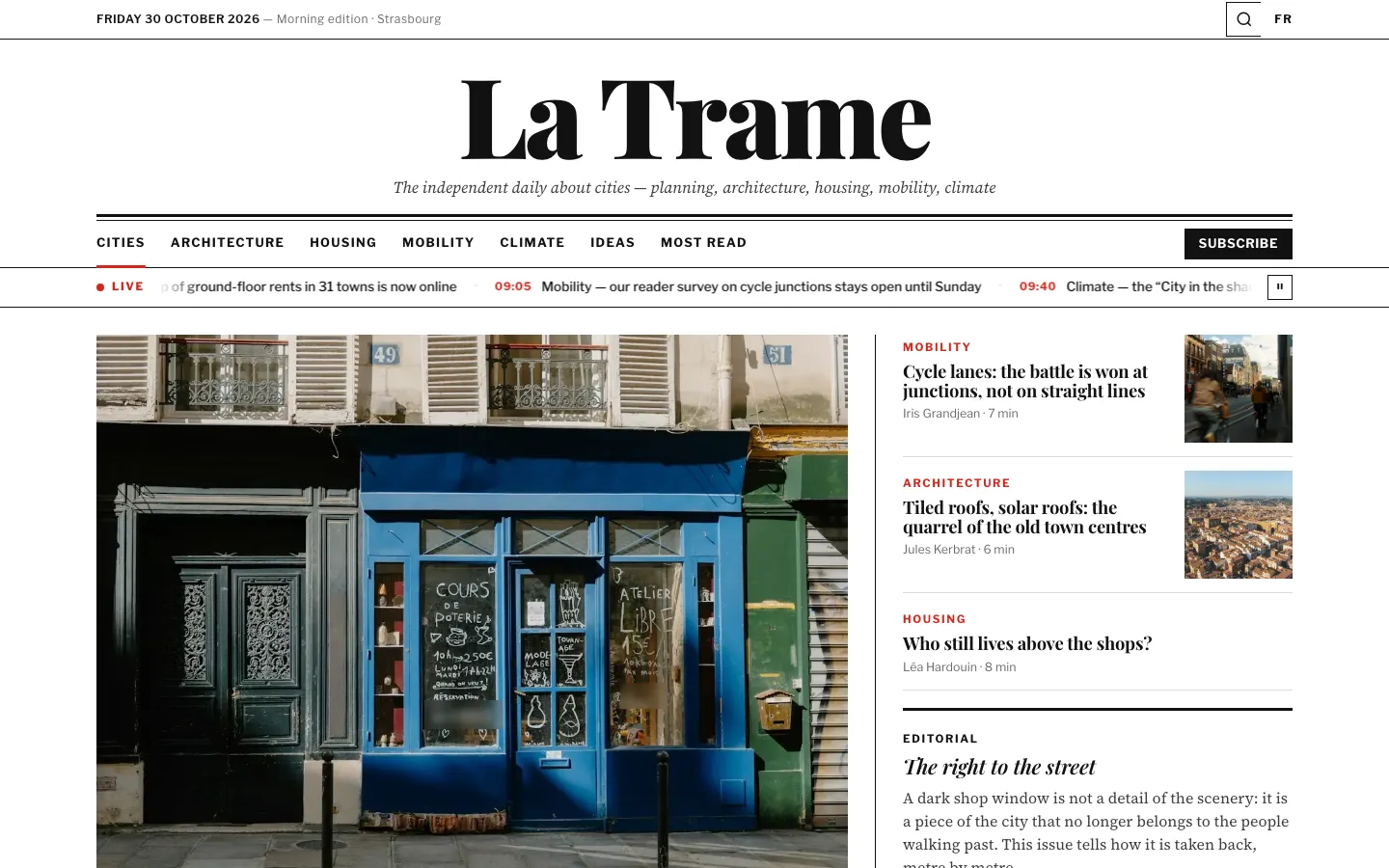 La TrameOnline magazine · 10 effects
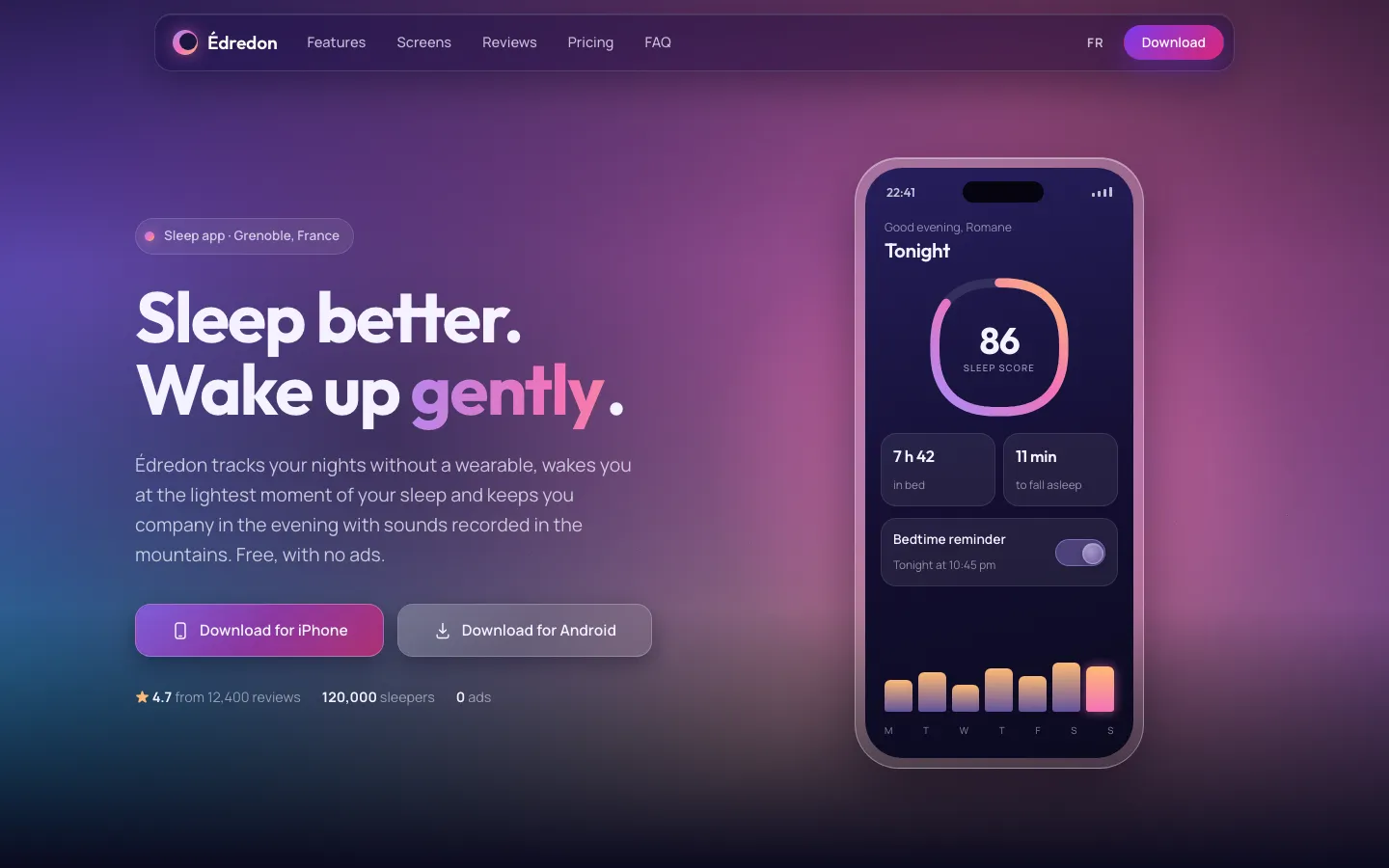 ÉdredonMobile app · 10 effects
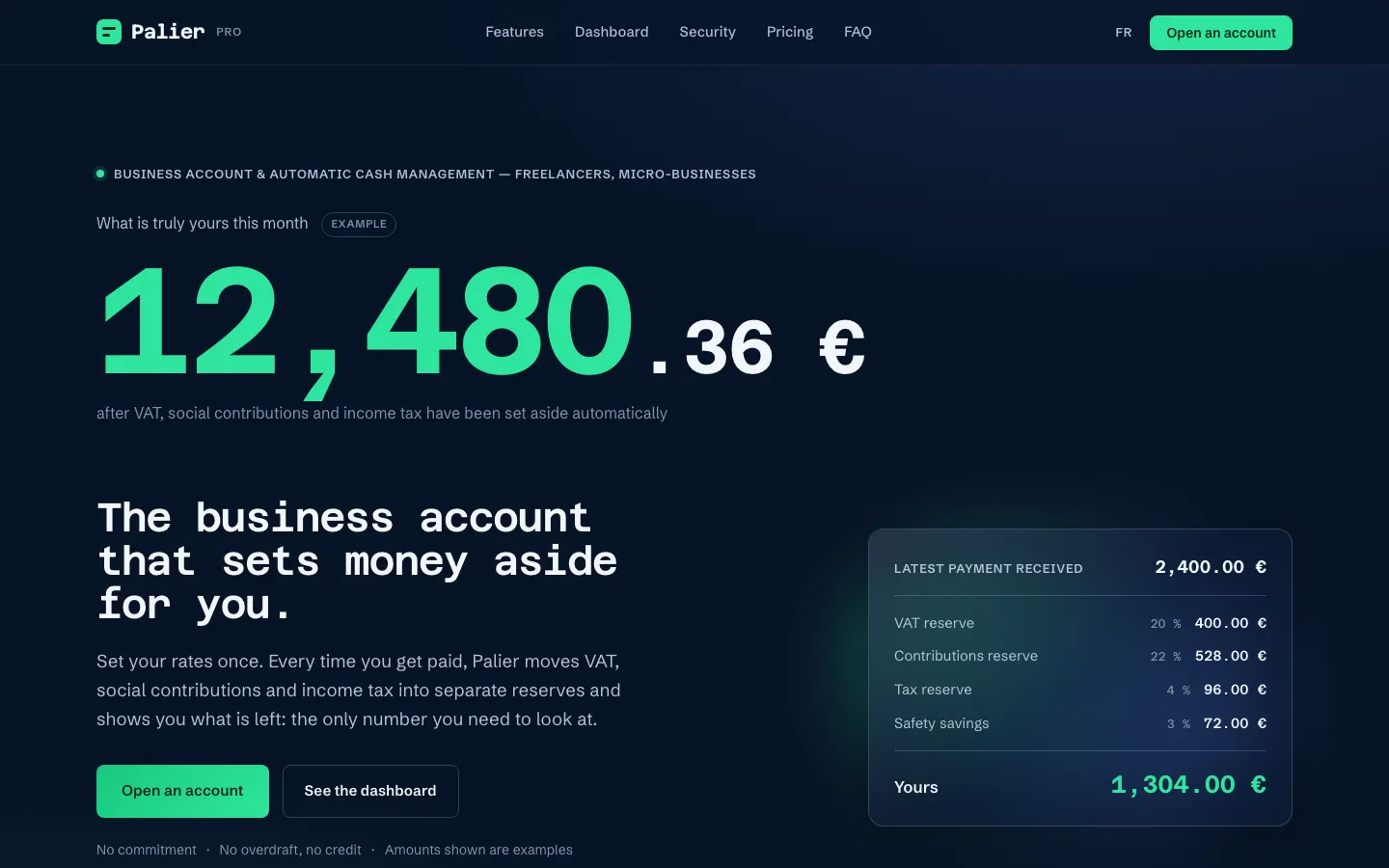 PalierFintech · 10 effects
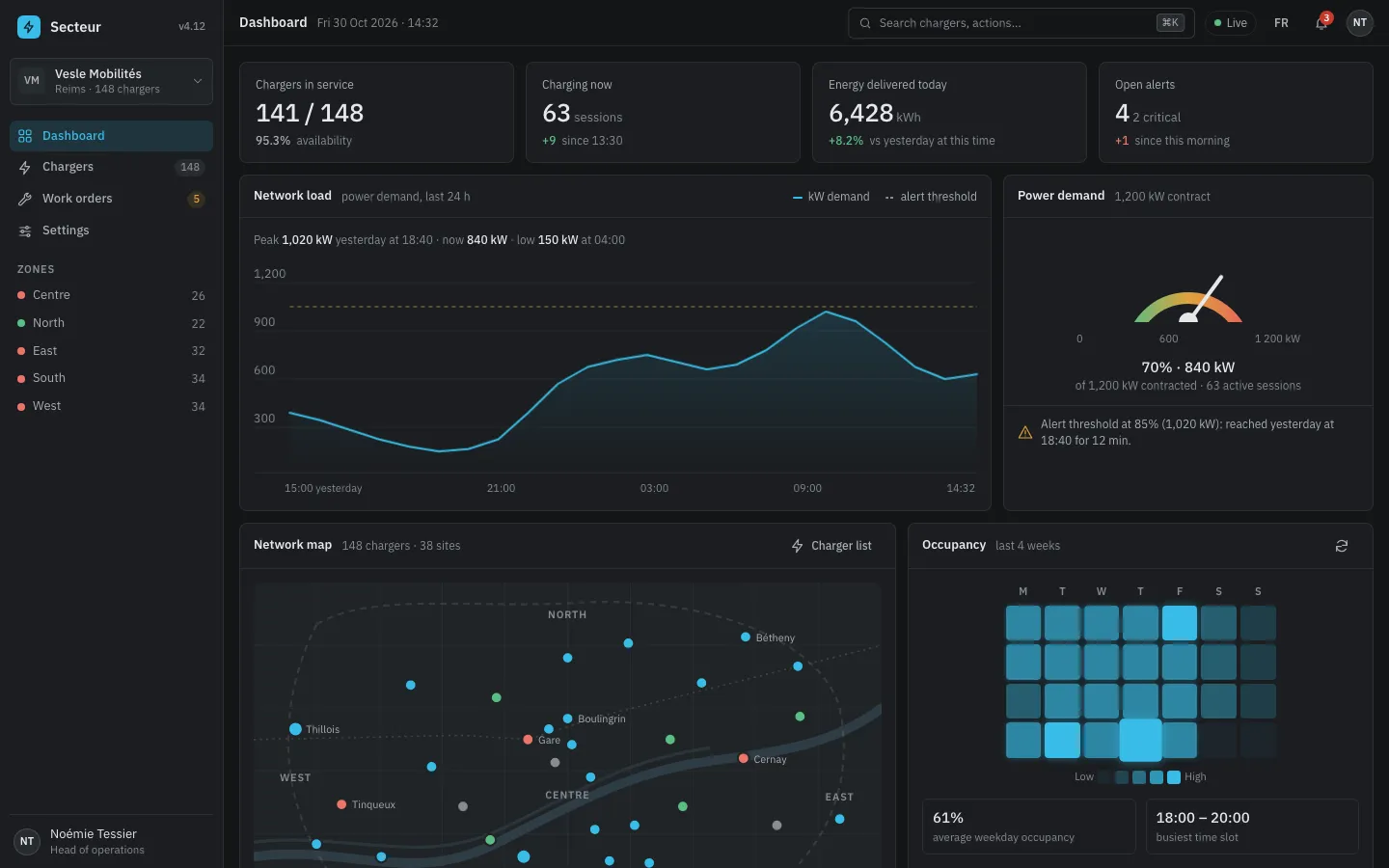 SecteurDashboard · 10 effects