Elastic Drag
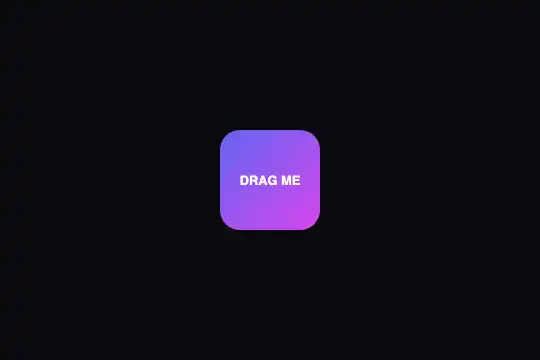
Draggable element with elastic return: drag the object anywhere, release, and it springs back to centre via a velocity-based spring simulation.
Updated
This effect is part of Effect.Labs — 840 vanilla effects, some free, some premium. Hover has 48 effects, including 5 free. Explore the category →
3 usage examples

How it works
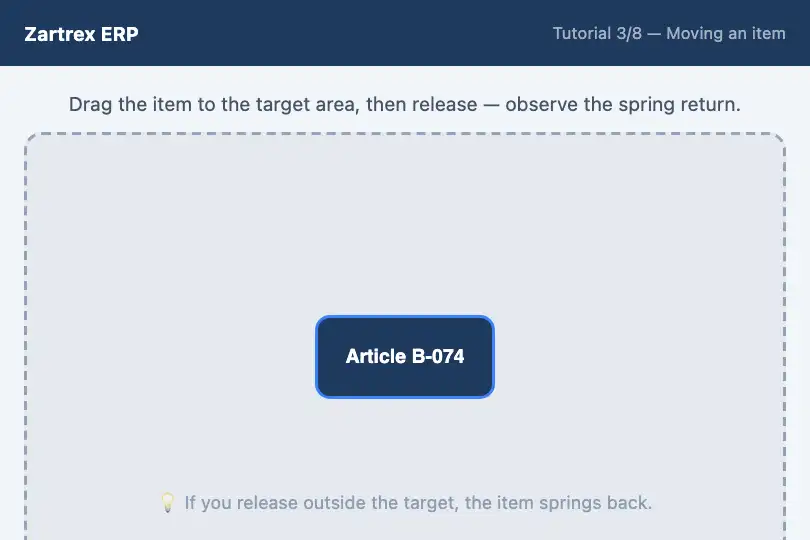
The .fx-0374-root frame holds a .edg-zone area and a .edg-box object centred inside it. The displacement state (current position, velocity, dragging flag) is isolated per instance in a JavaScript closure — two instances on the same page share no variable.
On mousedown (or touchstart) on the object, the script records the offset between the pointer and the object's centre. mousemove and touchmove events on document update the object's position (transform: translate(x, y)) and compute the instantaneous velocity (vx = x − prevX). touchmove calls preventDefault() to block scrolling.
On mouseup or touchend, animateBack() starts a requestAnimationFrame loop: on each frame, velocity is damped (vx *= 0.9) and a restoring force is added (vx += (0 − x) × 0.15 — spring). The loop stops when both position and velocity are sufficiently close to zero. Arrow keys also move the object (10 px per press), then trigger animateBack(). Under prefers-reduced-motion: reduce, animateBack() snaps the object instantly to (0, 0) with no animation.
Accessibility
- Keyboard: the object is focusable by Tab (
tabindex="0") withoutrole="button"(a button would imply an action on Enter/Space, which does not match a draggable item). Anaria-labelnames the object and its instructions: "Drag me — arrow keys to move". Arrow keys move the object 20 px; on release it springs back to centre. - Touch:
touchstart,touchmoveandtouchendare handled. The CSS propertytouch-action: noneprevents the browser from interfering with scrolling during drag. - Reduced motion: under
prefers-reduced-motion: reduce, drag works (it is a voluntary gesture) but the return is instant — the object snaps to (0, 0) without oscillation. - No information encoded in position: the object's position is purely decorative or playful. No functional action should depend on a precise drop location — this is not a functional drag-and-drop (for that, use the HTML5 Drag and Drop API or a dedicated library).
Browser compatibility
DOM + requestAnimationFrame + 2.5 KB of JavaScript, no dependency. Touch events available on all modern mobile browsers. The spring animation is computed in pure JS (no Web Animations API). Measured in Chromium 151, Firefox 153 and WebKit 26: drag, velocity and elastic return identical in all three. On iOS, touch-action: none is required to prevent page scrolling during drag.
Without JavaScript, the object renders in the centre of the zone with no behaviour. The effect requires JavaScript to work. On very old browsers without requestAnimationFrame (IE9 and earlier), the return is instant.
The code
HTML structure to paste into your page (the CSS + JS come with your purchase):
<div class="fx-0374-root">
  <div class="edg-zone">
    <div class="edg-box" tabindex="0" role="button" aria-label="Elastic element — drag or use arrow keys">DRAG ME</div>
  </div>
</div>One-time payment, no subscription — the code is yours forever
Customize
Options passed to the API or data-* attributes:
| Option / property | Default | Effect |
|---|---|---|
Spring stiffness (JS — vx += (0 − x) × 0.15) |
0.15 per frame | 0.05 gives long, soft oscillations; 0.3 gives a snappy return. Values above 0.5 can make the animation unstable (the object overshoots and doesn't return). |
Damping (JS — vx *= 0.9) |
0.9 per frame (10% loss) | 0.8 damps quickly (1-2 oscillations); 0.95 lets it oscillate for a long time. 1 = infinite oscillation (in theory). |
Keyboard step (JS — 10 px per press) |
10 px | Raise to 20-30 px for a more visible keyboard movement; lower to 5 px for a finer step. |
Object label (HTML — content of .edg-box) |
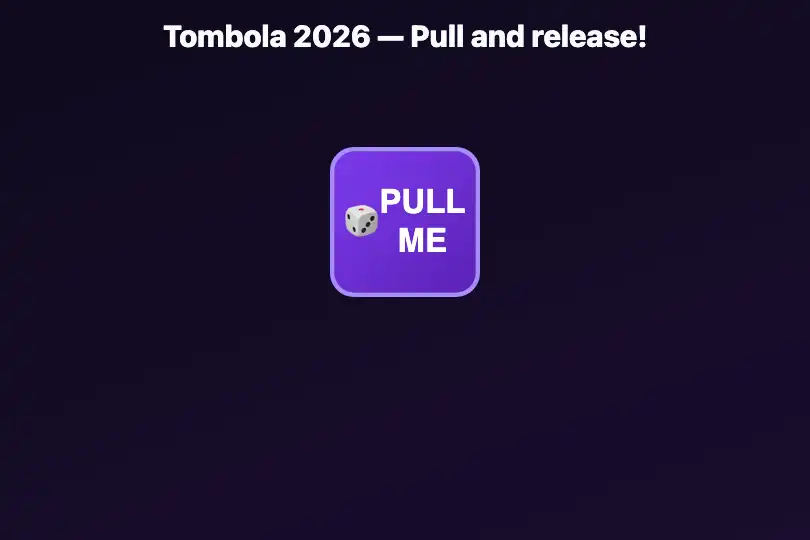
"DRAG ME" | Replace with "Pull me!", an icon, a logo or any HTML content. The object adapts its size to its content. |
| Movement constraint (JS) | free movement on both axes | To constrain to horizontal only, zero out y (y = 0) in mousemove. For vertical constraint, zero out x. |
FAQ
mousemove: x = Math.max(-maxX, Math.min(maxX, x)) where maxX is half the zone's width minus half the object's width. Compute maxX and maxY from the zone and object dimensions (getBoundingClientRect()).mouseup handler, read the final position (x, y) before calling animateBack(). If the position is inside a target area (defined rectangle), trigger your action (state change, navigation, validation animation). Then call or skip animateBack() depending on the desired behaviour.vx += (0 − x) × 0.15 × (dt / 16.67).
