Drag Feedback Sound
A continuous sawtooth Web Audio oscillator runs through the drag — horizontal position maps frequency from 80 Hz to 280 Hz in real time, with no latency.
Updated
This effect is part of Effect.Labs — 840 vanilla effects, some free, some premium. Atmosphere has 58 effects, including 10 free. Explore the category →
3 usage examples
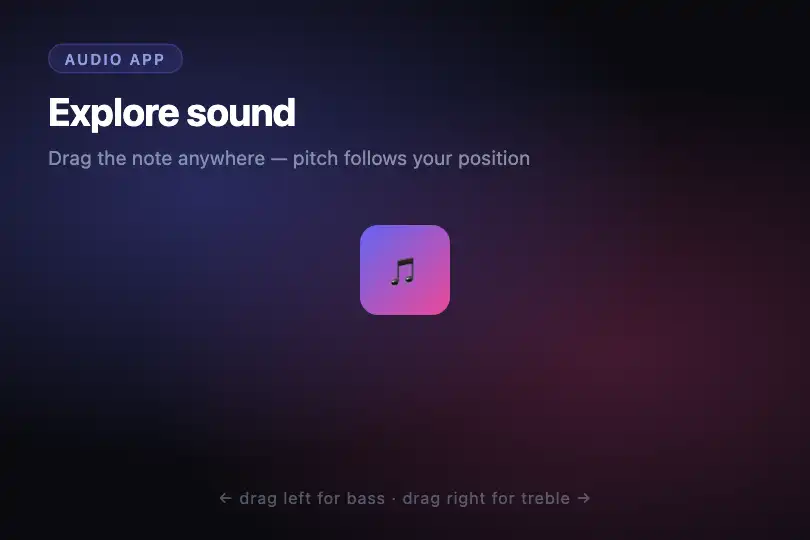
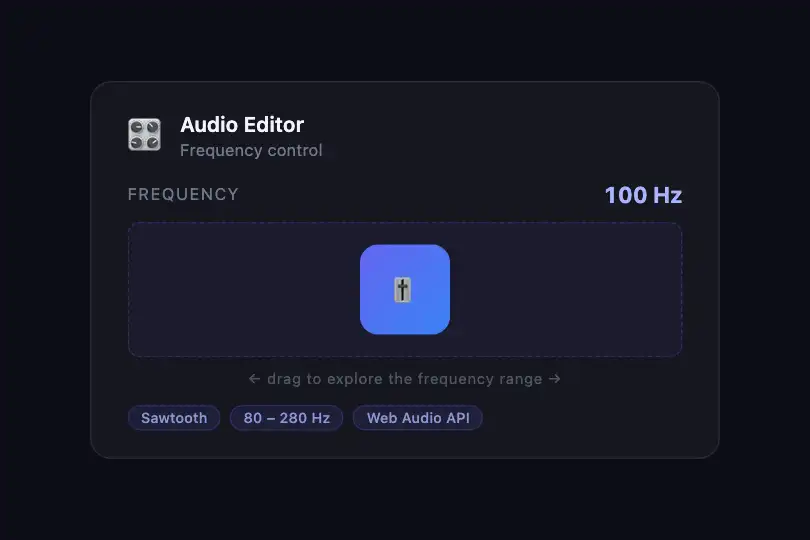

How it works
A single AudioContext is lazily created by getSndCtx() on the first mousedown — deferred creation satisfies the browser's user-gesture policy. Each drag creates a fresh OscillatorNode (type sawtooth) and a GainNode (gain 0.02), connected in series and started without an envelope: oscillator → gain → destination.
The object's X position inside the drag area (c, in CSS px) is normalized against the container width and converted to frequency immediately: f = 80 + (c / width) × 200, giving 80 Hz at the left edge and 280 Hz at the right. The update is synchronous inside the mousemove handler — no requestAnimationFrame in between — so pitch tracks the mouse with no perceptible lag.
Object position is clamped within the area bounds by Math.max(0, Math.min(width − 60, c)) (the constant 60 matches the object's CSS pixel size). On mouseup, oscillator.stop() cuts the sound abruptly — no fade-out. A fresh oscillator is created on each new drag to avoid InvalidStateError on an already-stopped AudioNode.
Accessibility
- No
prefers-reduced-motioncheck in the code — thebox-shadow .2sCSS transition on.snd-drag-objanimates without reduction; add@media (prefers-reduced-motion: reduce) { .snd-drag-obj { transition: none } }if your audience requires it. - No ARIA attributes on the drag area or draggable object — no
role="button", noaria-grabbed, noaria-label. Screen readers receive no announcement that the element is interactive. - Mouse-only interaction: the code listens only to
mousedown,mousemove, andmouseup— touch screens and keyboard users cannot trigger the effect. - The
AudioContextis instantiated on the firstmousedown(a valid user gesture). The browser's autoplay policy is satisfied: no sound fires on page load. - The contrast of the 🎵 emoji against the purple-to-pink gradient is not validated in the code — check the ratio if you replace the object's content with text.
Browser compatibility
Requires Web Audio API (AudioContext, OscillatorNode) and mouse events. No native touch support. Zero external dependencies.
If AudioContext is unavailable, the visual drag still works (position updates normally) but no sound is emitted. No blocking JS errors — the page stays functional.
The code
HTML structure to paste into your page (the CSS + JS come with Premium):
<div class="demo-preview">
  <div class="snd-drag-area" id="sndDragArea">
    <div class="snd-drag-obj" id="sndDragObj">🎵</div>
  </div>
</div>The full HTML + CSS + JS of Drag Feedback Sound, ready to paste — plus all 840 effects. Or $299 once, lifetime access.
Customize
Options passed to the API or data-* attributes:
| Option / property | Default | Effect |
|---|---|---|
| d.type = "sawtooth" | "sawtooth" | Oscillator wave type. "sawtooth" = harmonic-rich, abrasive friction timbre. "triangle" = soft and flute-like. "sine" = pure tone, no harmonics. "square" = hollow, electronic. |
| d.frequency.value = 100 | 100 Hz | Oscillator frequency at the moment the drag begins (before the first movement). Raise to 200–400 Hz for a brighter starting pitch. |
| 80 (in 80 + c / l.width * 200) | 80 Hz | Minimum frequency, reached when the object is at the far left of the area. Change this constant to shift the bottom of the range. |
| 200 (in 80 + c / l.width * 200) | 200 Hz (range width) | Frequency range width: max = 80 + 200 = 280 Hz. Set to 420 for 80–500 Hz, or 920 for a full decade (80–1000 Hz). |
| o.gain.value = .02 | 0.02 | Oscillator volume (0 to 1). 0.02 is very subtle — raise to 0.05 for a more present sound, or 0 to mute while keeping the visual drag. |
| .snd-drag-obj { width: 60px; height: 60px } | 60 × 60 px | Size of the draggable object in CSS. The constant 60 in the JS formula (width − 60) must be updated if you change the size. |
| .snd-drag-obj { background: linear-gradient(135deg, #6366f1, #ec4899) } | Purple-to-pink gradient | Background color of the draggable object. Replace with your brand palette or a solid color (background: #3b82f6). |
FAQ
mousedown, mousemove, and mouseup — no touch* events. For touch support, add touchstart, touchmove, and touchend handlers using event.touches[0].clientX and event.touches[0].clientY for coordinates."triangle" gives a soft, flute-like timbre; "sine" is a pure tone with no harmonics. You can change d.type after createOscillator() and before start().AudioContext may enter a suspended state after prolonged inactivity or due to browser policy. Here the context is created inside mousedown (a valid user gesture), which prevents the initial suspension. If you encounter unexpected silence, call getSndCtx().resume() to reactivate the context.


