Scroll Ambient Sound
A scrollable container drives a sine oscillator in real time — pitch rises from 200 Hz to 800 Hz as the user scrolls down.
Updated

This effect is part of Effect.Labs — 840 vanilla effects, some free, some premium. Atmosphere has 58 effects, including 10 free. Explore the category →
3 usage examples
How it works
The effect listens for the scroll event on the .snd-scroll-container element. A 150 ms throttle (Date.now()) filters excessive triggers — during continuous scrolling, a tone fires at most once every 150 ms.
The scroll position is normalized: ratio = scrollTop / (scrollHeight − clientHeight). This 0→1 ratio maps to a 200–800 Hz range: freq = 200 + ratio × 600. Top of scroll = 200 Hz (bass), bottom = 800 Hz (treble).
The computed frequency is passed to playTone(freq, 0.08, 'sine', 0.03), an external Web Audio API utility (not included in the effect). This function creates an OscillatorNode in sine mode, connects it to a GainNode (max gain 0.08), and shapes the envelope with a 30 ms linear ramp — producing a brief sine blip with no click artifact.
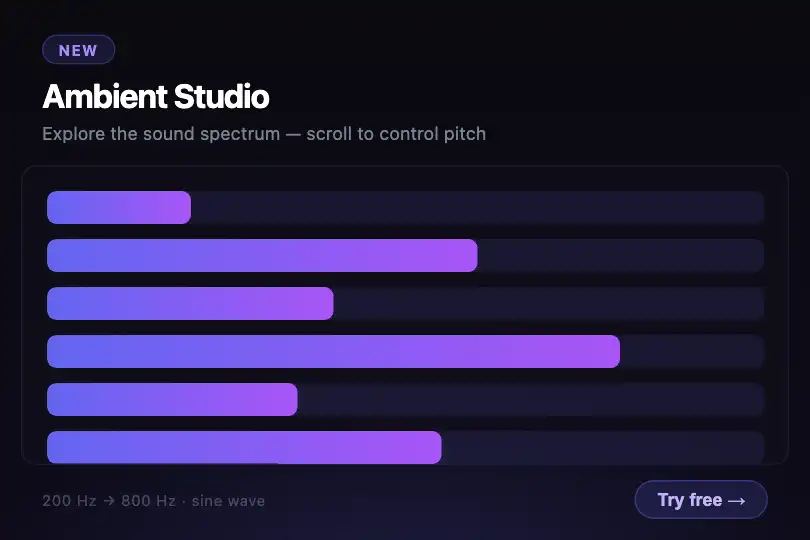
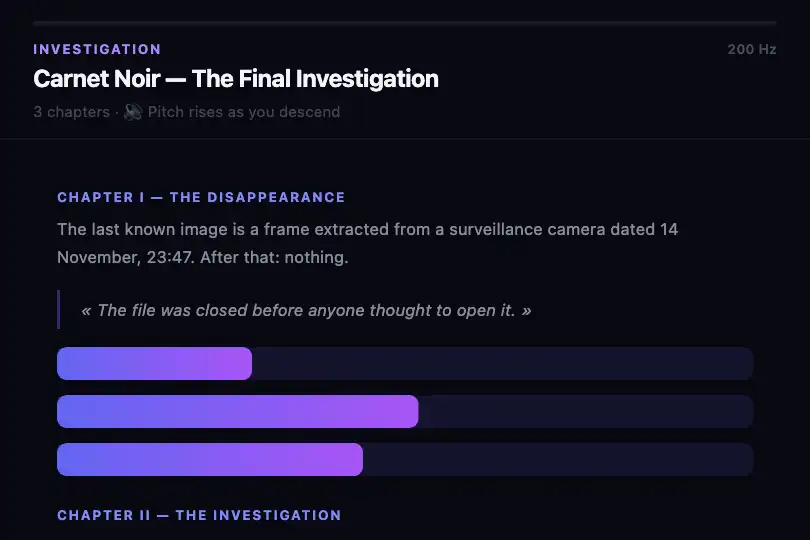
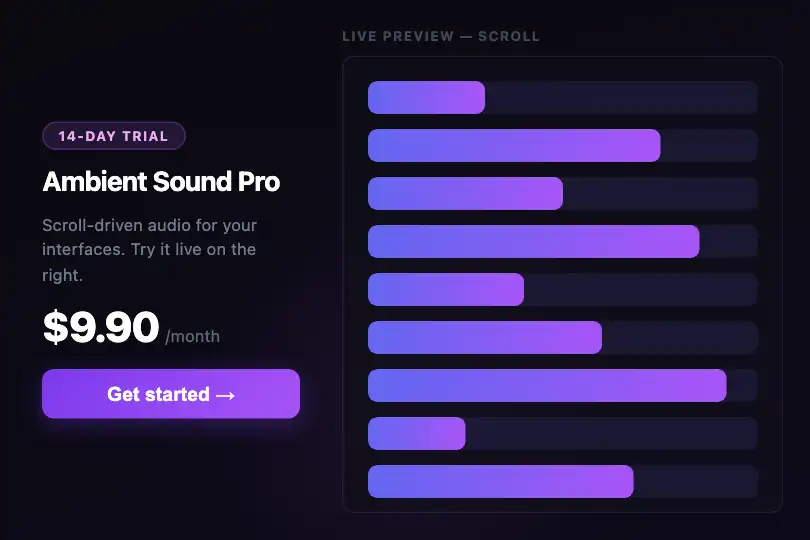
Visually, 16 CSS bars (.snd-scroll-bar-fill) at fixed widths simulate a frozen audio spectrum. They act as a visual anchor: the user understands the component is sound-related before scrolling.
Accessibility
- No
prefers-reduced-motionhandling: the effect ignores this system preference — sound fires even with reduced-motion enabled. Integrators should conditionally skip initialization if needed. - No
aria-role,aria-label, oraria-describedbyon the container — the component is not described for screen readers. - Keyboard scrolling (arrow keys when the container is focused, or via tab if tabbable) natively fires the
scrollevent, making the effect keyboard-accessible without extra code. - The visible
.snd-scroll-label(« 🔊 Scroll to listen ») informs sighted users — no accessible equivalent is provided for screen readers. - Browsers' autoplay audio policy may suspend the
AudioContextbefore the first user interaction: the integrator'splayTonemust callctx.resume()ifctx.state === 'suspended'.
Browser compatibility
Requires Web Audio API (AudioContext / webkitAudioContext) and the DOM scroll event — supported in all modern browsers. The playTone function is an external utility to be provided by the host page — the effect does not define it.
If AudioContext is unavailable (rare) or playTone is missing, the effect is silent but the page stays functional — no fatal JS error.
The code
HTML structure to paste into your page (the CSS + JS come with Premium):
<div class="snd-scroll-container" id="sndScrollContainer">
  <div class="snd-scroll-inner">
    <div class="snd-scroll-bar">
      <div class="snd-scroll-bar-fill" style="width: 60%"></div>
    </div>
    <!-- repeat .snd-scroll-bar as needed -->
    <div class="snd-scroll-label">🔊 Scroll to listen</div>
  </div>
</div>The full HTML + CSS + JS of Scroll Ambient Sound, ready to paste — plus all 840 effects. Or $299 once, lifetime access.
Customize
Options passed to the API or data-* attributes:
| Option / property | Default | Effect |
|---|---|---|
| Base frequency — `200` (JS, inline constant) | 200 Hz | Pitch at the bottom of scroll. Lower to 80 Hz for deep bass, raise to 440 Hz to start on concert A. |
| Frequency range — `600` (JS, inline constant) | 600 Hz | Extent of pitch variation: top freq = `200 + 600 = 800 Hz`. Lower to 200 for subtle, raise to 1200 for a dramatic glissando. |
| Throttle — `150` ms (JS, `if (now - lastScroll < 150)`) | 150 ms | Minimum gap between two tones. 80 ms = more continuous and expressive, 300 ms = more discreet in background use. |
| Gain — `0.08` (JS, `playTone` argument) | 0.08 | Blip volume (0 = silent, 1 = full). Recommended: 0.04–0.12 for a non-intrusive ambient feel. |
| Waveform — `'sine'` (JS, `playTone` argument) | sine | Oscillator type. `triangle` = softer, `square` = electronic, `sawtooth` = acid. Edit the value in the `playTone` call. |
| Envelope duration — `0.03` s (JS, `playTone` argument) | 0.03 s (30 ms) | Attack duration in `playTone`. Raise to 0.08 for a longer, more legato tone. |
| `.snd-scroll-inner` `min-height` (CSS) | 520px | Total scrollable area height. Increase for a longer scroll stroke in real page content. |
| `.snd-scroll-bar-fill` gradient (CSS) | #6366f1 → #a855f7 | Bar visualization color. Swap for your brand palette — the bars are purely decorative. |
FAQ
playTone(freq, gain, type, duration) as a global utility. Define it before initialization: create a shared AudioContext (window._sndCtx), instantiate an OscillatorNode + GainNode, shape the envelope via linearRampToValueAtTime, connect and stop the oscillator after duration × 2 seconds. Call ctx.resume() if ctx.state === 'suspended'.AudioContext until the first explicit interaction (tap). A scroll swipe is sufficient to unlock it if your playTone implementation calls ctx.resume(). Without that resume() call, the context stays suspended and no sound is produced.document.getElementById('sndScrollContainer') with document.documentElement (or document.body), and read window.scrollY + document.documentElement.scrollHeight - window.innerHeight instead of the container's scroll properties. The ratio, frequency, and throttle logic stay identical.


