Scramble Text


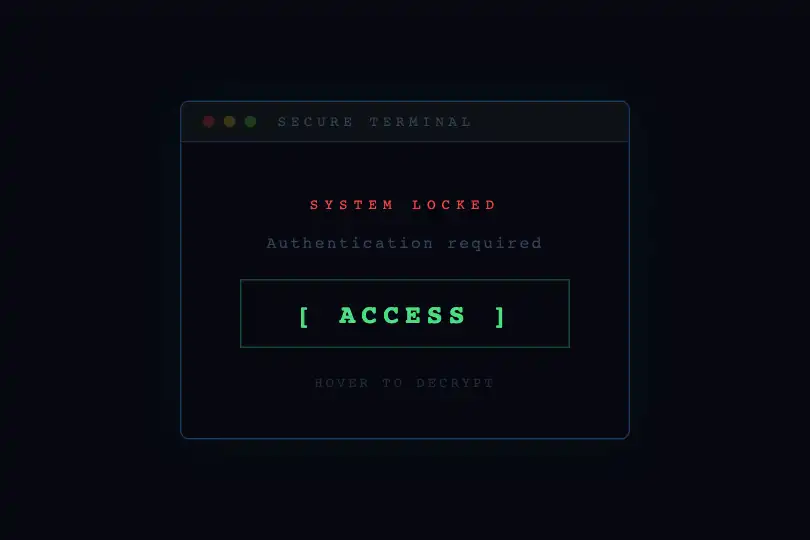
On hover, each letter scrambles into random glyphs then resolves left-to-right — a cyberpunk decryption effect, zero dependencies.
Updated
This effect is part of Effect.Labs — 840 vanilla effects, some free, some premium. Text has 56 effects, including 4 free. Explore the category →
3 usage examples
How it works
On mouseenter, a setInterval fires every 30 ms on the target element. Each tick rebuilds the text character by character: positions whose index is below iterations keep their original letter; the rest are replaced by a random glyph drawn from the pool 'ABCDEFGHIJKLMNOPQRSTUVWXYZ0123456789@#$%&*'.
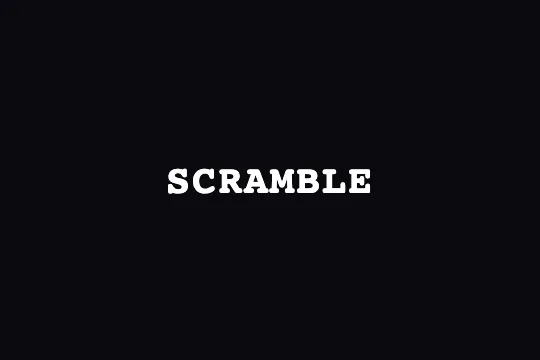
The iterations counter advances by 1/3 per tick: each position passes through roughly 3 scramble frames before being fixed, ~90 ms per revealed letter. On an 8-character word like « SCRAMBLE », full resolution takes ~720 ms — long enough to read, short enough to feel snappy. On mouseleave, the interval is cleared and the original text is restored instantly.
The CSS enforces font-family: monospace and a fixed letter-spacing: 2px on .text-scramble. Both are essential: in a monospace font every glyph occupies the same advance width — the text block doesn't jitter during random substitution and no layout shift occurs between frames.
Accessibility
- No prefers-reduced-motion handling: the code does not test this media query — on systems configured to reduce motion, the scramble animation runs as-is. Implement it per use-case if needed.
- Keyboard inaccessible: the effect is triggered by
mouseenteronly — nofocuslistener is defined. Keyboard users will not see the animation. - No
aria-liveon the element: rapid text mutations are not announced. A screen reader reads the original text at focus, not the intermediate glyphs. - Stable-state text contrast (white #ffffff on dark #0a0a0f): ratio > 18:1, well above WCAG AA and AAA.
- The
<span>element has no explicitroleoraria-label— assistive technology treats it as standard inline text.
Browser compatibility
Requires only setInterval, mouseenter/mouseleave, and textContent mutation — universally supported since IE 9.
Without JS, the original text remains displayed — no critical CSS dependency, content stays readable and functional.
The code
HTML structure to paste into your page (the CSS + JS come with Premium):
<div class="demo-preview">
  <span class="demo-text text-scramble" id="scrambleTextHover">SCRAMBLE</span>
</div>The full HTML + CSS + JS of Scramble Text, ready to paste — plus all 840 effects. Or $299 once, lifetime access.
Customize
Options passed to the API or data-* attributes:
| Option / property | Default | Effect |
|---|---|---|
| chars (JS constant) | 'ABCDEFGHIJKLMNOPQRSTUVWXYZ0123456789@#$%&*' | Pool of random glyphs used during scrambling. Narrow to uppercase letters only for a cleaner look; add katakana or Unicode symbols for a matrix effect. |
| setInterval(…, 30) (JS) | 30 ms | Refresh rate. Lower to 20 ms for a smoother, faster animation; raise to 60 ms for a slower, more readable scramble. |
| iterations += 1/3 (JS) | 1/3 | Reveal speed per tick. 1/2 → each letter fixed in 2 frames (~40 ms/letter at 20 ms). 1/6 → 6 scramble frames per letter (~180 ms/letter). Combine with the interval to fine-tune total duration. |
| .text-scramble { letter-spacing } (CSS) | 2px | Spacing between glyphs. Increase to 4–6 px on large headings; 1 px on small text. Do not set to 0: variable-width glyphs will cause jitter. |
| .demo-text { font-size } (CSS) | 2.5rem | Text size. The larger the text, the more impactful the effect — recommended ≥ 2 rem for the scramble to be clearly visible. |
| .demo-text { font-weight } (CSS) | 800 | Font weight. Heavy weights (700–900) make random glyphs more legible during scrambling and amplify the visual punch. |
| font-family: monospace (CSS on .text-scramble) | monospace | Fixed-width font required for visual stability. JetBrains Mono, Fira Code, or Courier New work well. Avoid proportional fonts: line width would shift on every frame. |
FAQ
getElementById('scrambleTextHover'). To target multiple elements, replace the initialisation with a loop over querySelectorAll('.text-scramble') and attach mouseenter/mouseleave listeners to each node with its own scrambleInterval variable — each instance runs independently.font-family: monospace rule on .text-scramble enforces a fixed advance width and eliminates the jitter.setInterval delay (frame rate) and the step iterations += 1/3 (frames before a letter is fixed). For a long but smooth scramble: 20 ms interval + 1/8 step (~160 ms/letter). For near-instant decryption: 30 ms interval + step 1 (30 ms/letter, one scramble frame per position).