Paper Texture
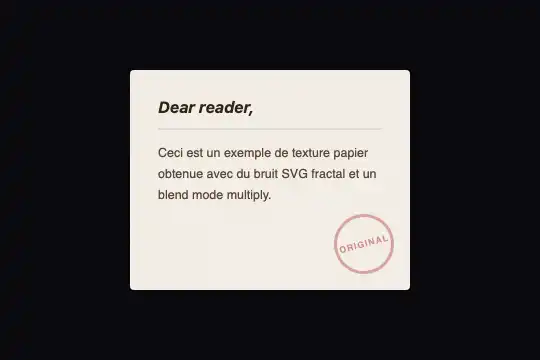
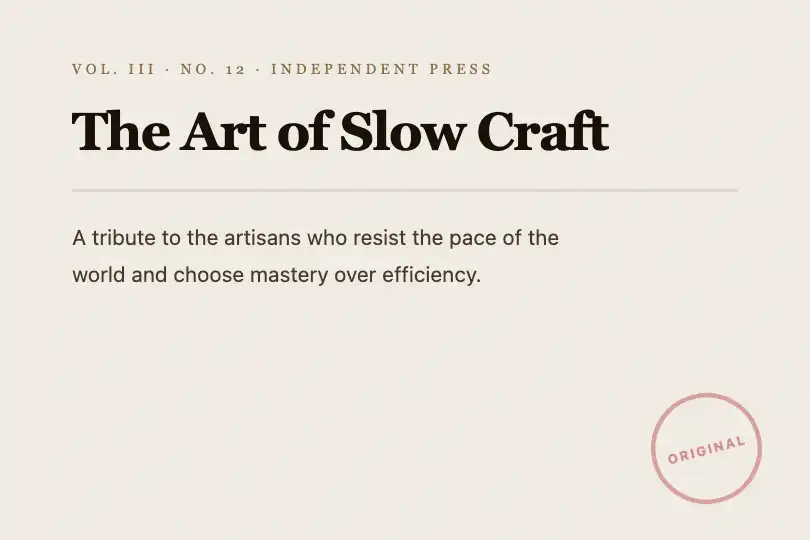
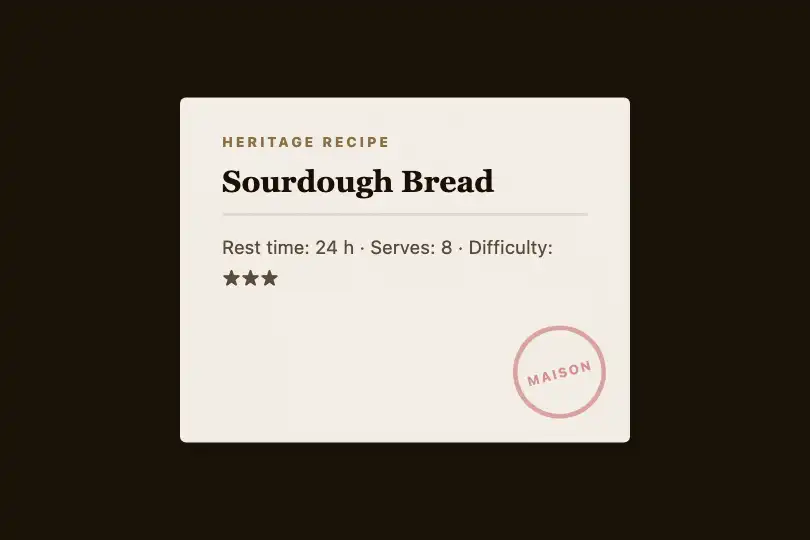
Paper parchment background from fractalNoise in multiply — natural grain, inked stamp, zero JavaScript, zero dependencies.
Updated
This effect is part of Effect.Labs — 840 vanilla effects, some free, some premium. Backgrounds has 55 effects, including 7 free. Explore the category →
3 usage examples

How it works
The texture is produced by an SVG feTurbulence filter with type="fractalNoise" — a multi-scale Perlin-like noise that generates a natural, non-periodic random field. With baseFrequency="0.65" and numOctaves="5", it produces a fine grain that closely resembles wood-pulp paper fibers.
This SVG filter is embedded as a complete document inside a data:image/svg+xml URL applied to the ::before pseudo-element of .ng-paper-scene, at opacity: 0.08. The mix-blend-mode: multiply operator blends the noise with the cream background — dark grains subtract from the base, bright values leave it intact, producing the characteristic natural-fiber look of aged paper.
The .ng-paper-stamp element is a 100% CSS circular badge: border-radius: 50%, a border in semi-transparent red-ink tones (rgba(180, 50, 50, .4)), and a <span> in tight uppercase letters (letter-spacing: 1px, font-size: 0.55rem). A transform: rotate(-15deg) gives it the look of a stamp applied diagonally.
The effect has no JavaScript. The texture, cream background, and stamp are pure CSS layers stacked via pseudo-elements and normal DOM flow — no canvas, no requestAnimationFrame, no dependencies. The SVG filter is a static render the browser paints once and caches.
Accessibility
- prefers-reduced-motion not required — the effect is entirely static. No animation runs. Users sensitive to vestibular motion are unaffected.
- The
::beforepseudo-element carrying the noise is purely decorative. Addaria-hidden="true"to the scene when it is ornamental; keep it in the accessibility tree when it wraps readable content. - Text contrast: title color
#2d2418on cream background#f5f0e8achieves a ratio ≈ 14:1, well above WCAG AA (4.5:1) and AAA (7:1). - Stamp text uses
rgba(180, 50, 50, 0.5)on#f5f0e8— contrast below 3:1 at that opacity. The stamp is decorative; if it carries meaningful information, raise opacity to at least 0.85. - No keyboard interaction — the component is passive (no click, no focus logic). No extra ARIA roles are required beyond standard document structure.
Browser compatibility
Requires mix-blend-mode and SVG filters in data URIs — supported in all modern browsers since Edge 79 (2020).
On Internet Explorer (not targeted), mix-blend-mode is ignored — the ::before renders as a plain gray-noise overlay at 8% opacity without blending. Content legibility is preserved.
The code
HTML structure to paste into your page (the CSS + JS come with Premium):
<div class="ng-paper-scene">
  <!-- Parchment texture rendered in CSS via ::before -->
  <div class="ng-paper-content">
    <h3 class="ng-paper-title">…</h3>
    <div class="ng-paper-line"></div>
    <p class="ng-paper-text">…</p>
  </div>
  <div class="ng-paper-stamp">
    <span>…</span>
  </div>
</div>The full HTML + CSS + JS of Paper Texture, ready to paste — plus all 840 effects. Or $299 once, lifetime access.
Customize
Options passed to the API or data-* attributes:
| Option / property | Default | Effect |
|---|---|---|
| background on .ng-paper-scene | #f5f0e8 | Paper sheet color. #ede8dc = dark parchment, #fff8f0 = light cream, #e8e4d8 = aged sand-grey. |
| baseFrequency in feTurbulence | 0.65 | Fractal noise grain in the SVG data URI. 0.40–0.50 = coarse grain like kraft paper; 0.80–0.90 = fine even grain like offset paper. Edit the value directly inside the url() string. |
| numOctaves in feTurbulence | 5 | Noise detail level in the SVG data URI. 3 = smooth uniform texture; 7 = rich micro-detail. Zero render cost — the SVG is static. |
| opacity on .ng-paper-scene::before | 0.08 | Texture intensity. 0.04 = barely perceptible on bright screens; 0.18–0.22 = heavy grain like newsprint or blotting paper. |
| mix-blend-mode on .ng-paper-scene::before | multiply | Blend mode between texture and background. multiply = grain melted into the cream color. On dark backgrounds, multiply is invisible — use soft-light or overlay instead. |
| transform on .ng-paper-stamp | rotate(-15deg) | Stamp rotation. -30° to +10° for a casual look; 0° or -5° for formal use (certificate, official document). |
| border-color + span color on .ng-paper-stamp | rgba(180, 50, 50, .4/.5) | Stamp color. rgba(30, 60, 120, .45) = notarial blue ink; rgba(20, 80, 40, .45) = official green. Keep border-color and span color in sync. |
| width / height on .ng-paper-scene | 280px / 220px | Scene dimensions. The ::before stretches to fill any size — set 100% / 100% for a full-screen or full-section background. |
FAQ
feTurbulence is deterministic by default: same frequency = same pattern. To vary the grain between cards, add seed="N" to the feTurbulence element inside the data URI (N = any integer) — each seed value produces a distinct noise pattern.::before rule onto the target element (it needs position: relative and a light background color). The SVG data URI is self-contained — it works on a div, a section, an article, or even a table cell. No other effect class is required.multiply makes the texture invisible (black × noise ≈ black). Use mix-blend-mode: soft-light or overlay instead. A warm dark background (#2a2318 rather than #000) keeps the grain perceptible.