Sticky Header Detection
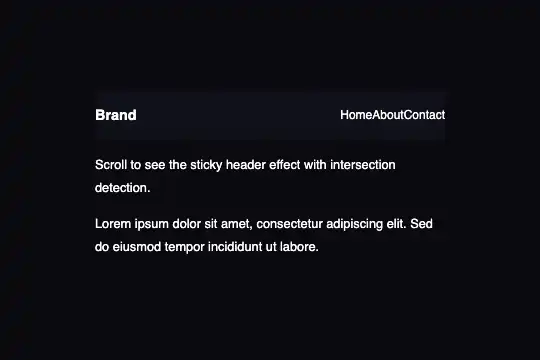
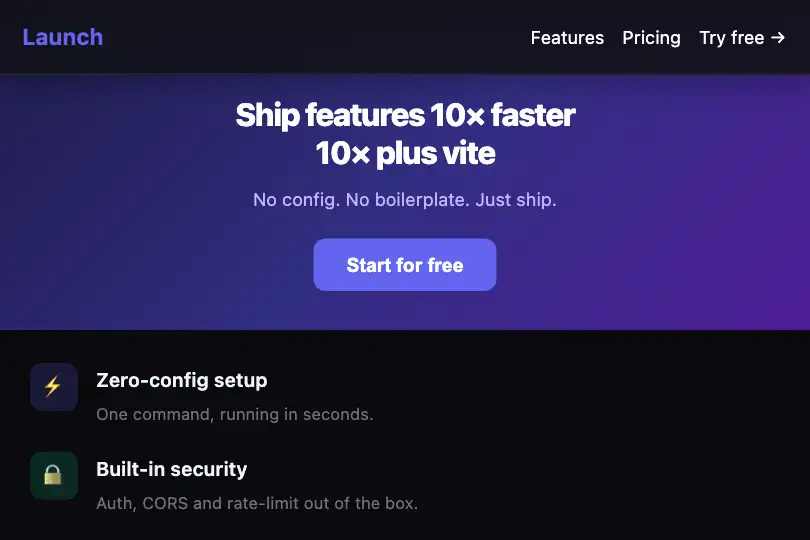
Sticky header driven by the data-stuck attribute: at 10 px of scroll, background opacifies, a drop shadow appears and the logo is highlighted — pure CSS transitions, zero dependencies.
Updated
This effect is part of Effect.Labs — 840 vanilla effects, some free, some premium. Navigation has 37 effects, including 4 free. Explore the category →
3 usage examples
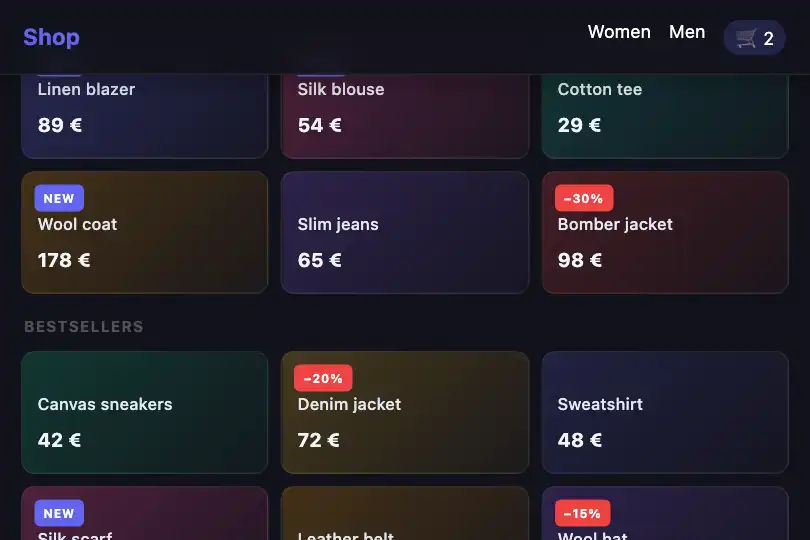
How it works
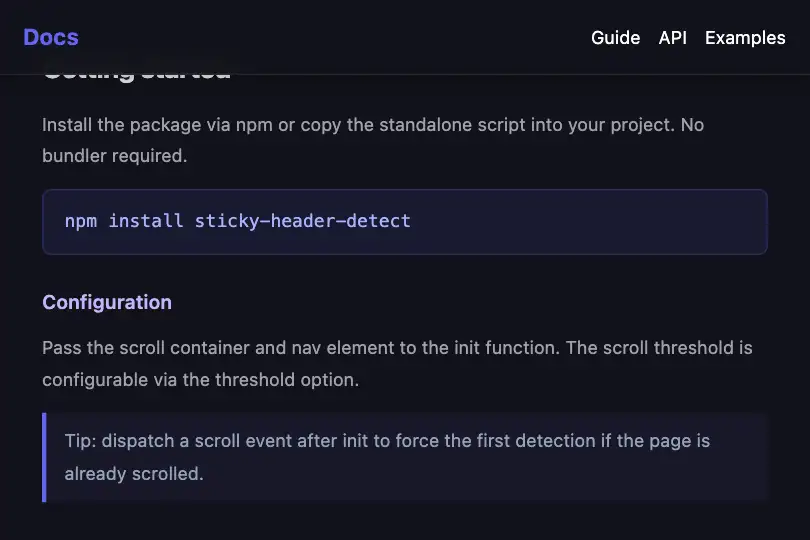
The effect attaches a native scroll event listener to #scrollArea — no IntersectionObserver involved. As soon as the container's scrollTop exceeds 10 px, the script sets data-stuck="true" on #stickyNav; below that threshold it resets to "false". A single setAttribute call per scroll event, no debouncing.
The visual response is handled entirely in CSS via the attribute selector [data-stuck=true]. The JS never adds or removes classes, nor touches style inline: it writes an attribute and the stylesheet reacts. This decoupling lets you restyle the "stuck" state without touching the detection logic.
In the stuck state, three 0.3 s CSS transitions fire simultaneously: the background rises from rgba(18,18,26,0.8) to rgba(18,18,26,0.95), a 20 px box-shadow appears, and the bottom border transitions from transparent to var(--border). The logo also receives transform: scale(1.05) and shifts to #6366f1 — a subtle signal that the nav is now anchored.
The wrapper combines overflow: hidden and position: relative; the nav uses position: absolute so it never overflows. A constant backdrop-filter: blur(10 px) gives the header a frosted-glass look even before the first scroll pixel, making the whole component self-contained and drop-in ready.
Accessibility
- prefers-reduced-motion not handled: the
transition: .3son.sticky-navruns unconditionally. For motion-sensitive users, wrap the transitions inside@media (prefers-reduced-motion: no-preference). - No
roleoraria-labelon the header: in production, addrole="navigation"and a descriptivearia-labelto the nav element. - The
data-stuckattribute is a pure CSS hook, not announced to assistive technologies — the visual change is decorative and carries no functional state. - Nav links are
<span>elements in the demo: replace them with<a>tags so keyboard navigation and screen readers work correctly. - Contrast: the logo shifts to
#6366f1on#12121awhen stuck — ratio ≈ 4.5:1, at the WCAG AA threshold for small text; verify your brand color before shipping.
Browser compatibility
Requires the scroll event, CSS attribute selectors, and backdrop-filter — the first two are universal since IE9+; backdrop-filter is supported in all modern browsers.
If backdrop-filter is unsupported, the header renders with a solid background — no JS errors, scroll detection works normally.
The code
HTML structure to paste into your page (the CSS + JS come with Premium):
<div class="sticky-header-demo" id="stickyDemo">
  <div class="sticky-nav" id="stickyNav">
    <span class="nav-logo-mini">Brand</span>
    <div class="nav-links-mini">
      <span>Home</span>
      <span>About</span>
      <span>Contact</span>
    </div>
  </div>
  <div class="scroll-area" id="scrollArea">
    <div class="scroll-content">
      <!-- scrollable content -->
    </div>
  </div>
</div>The full HTML + CSS + JS of Sticky Header Detection, ready to paste — plus all 840 effects. Or $299 once, lifetime access.
Customize
Options passed to the API or data-* attributes:
| Option / property | Default | Effect |
|---|---|---|
| s.scrollTop > 10 | 10 | Pixel threshold above which data-stuck becomes true. Set to 0 to trigger on the very first pixel, or 50–80 if a hero fills the full visible height. |
| transition: .3s | .3s | Duration of all nav transitions (background, shadow, border). Set to 0s for an instant snap or 0.5s for a softer fade. |
| rgba(18, 18, 26, .8) | alpha 0.8 | Nav background opacity in the initial (un-stuck) state. Raise to 1 for a solid background from the start, lower to 0.4 for more transparency. |
| rgba(18, 18, 26, .95) | alpha 0.95 | Nav background opacity in the stuck state (data-stuck=true). Adapt the base color to your brand palette. |
| box-shadow: rgba(0,0,0,.3) 0 4px 20px | 4px / 20px | Drop shadow in the stuck state. Reduce size (2px / 8px) for a subtle look, or remove entirely for a color-only effect. |
| color: #6366f1 | #6366f1 | Logo color when the header is stuck. Swap to your primary brand color for a discrete branding signal. |
| backdrop-filter: blur(10px) | 10px | Constant background blur on the header. Reduce to 4px for a lighter effect, or remove the property entirely to save GPU on low-end devices. |
FAQ
scroll event listener reading scrollTop > 10. IntersectionObserver targets the global viewport; here the scrollable element is an internal container, making the scroll event more direct and reliable in this context.#scrollArea with window.addEventListener('scroll', …) and compare window.scrollY > 10. Everything else — the data-stuck attribute and CSS — stays identical. Switch the header to position: fixed and remove overflow: hidden from the parent wrapper.s.dispatchEvent(new Event('scroll')) to trigger a first scrollTop evaluation. This ensures data-stuck is correct even if the page is reloaded mid-scroll or the container already has an initial offset.